LED Gym Wall Timers vs Free Screen Timers: Which Does Your Gym Actually Need?
LED gym wall timer buying guide: digit size, modes, remotes, brands and price tiers - and an honest comparison with running a free timer on a TV you already own.
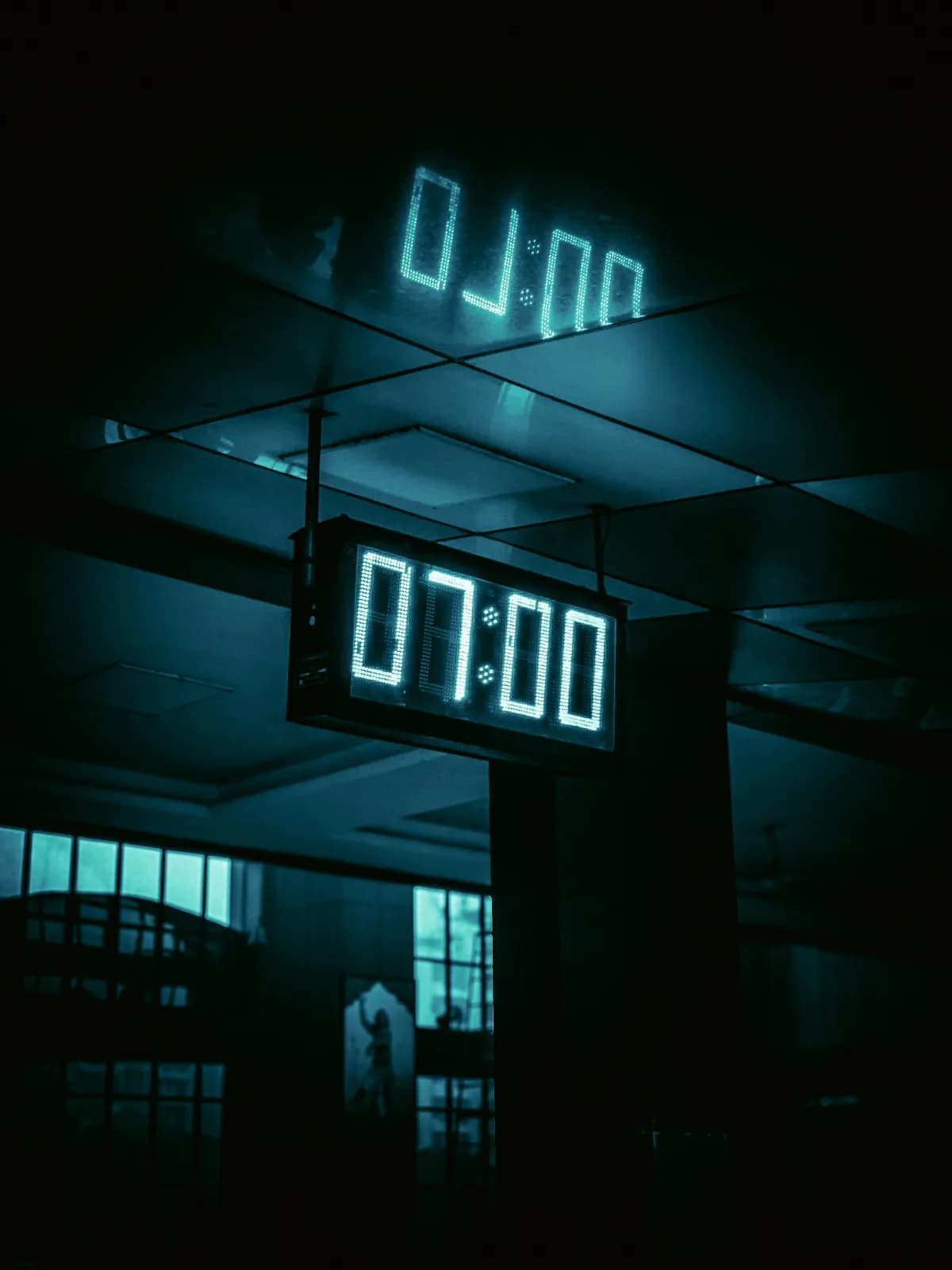
There are two ways to put a clock on a gym wall in 2026.
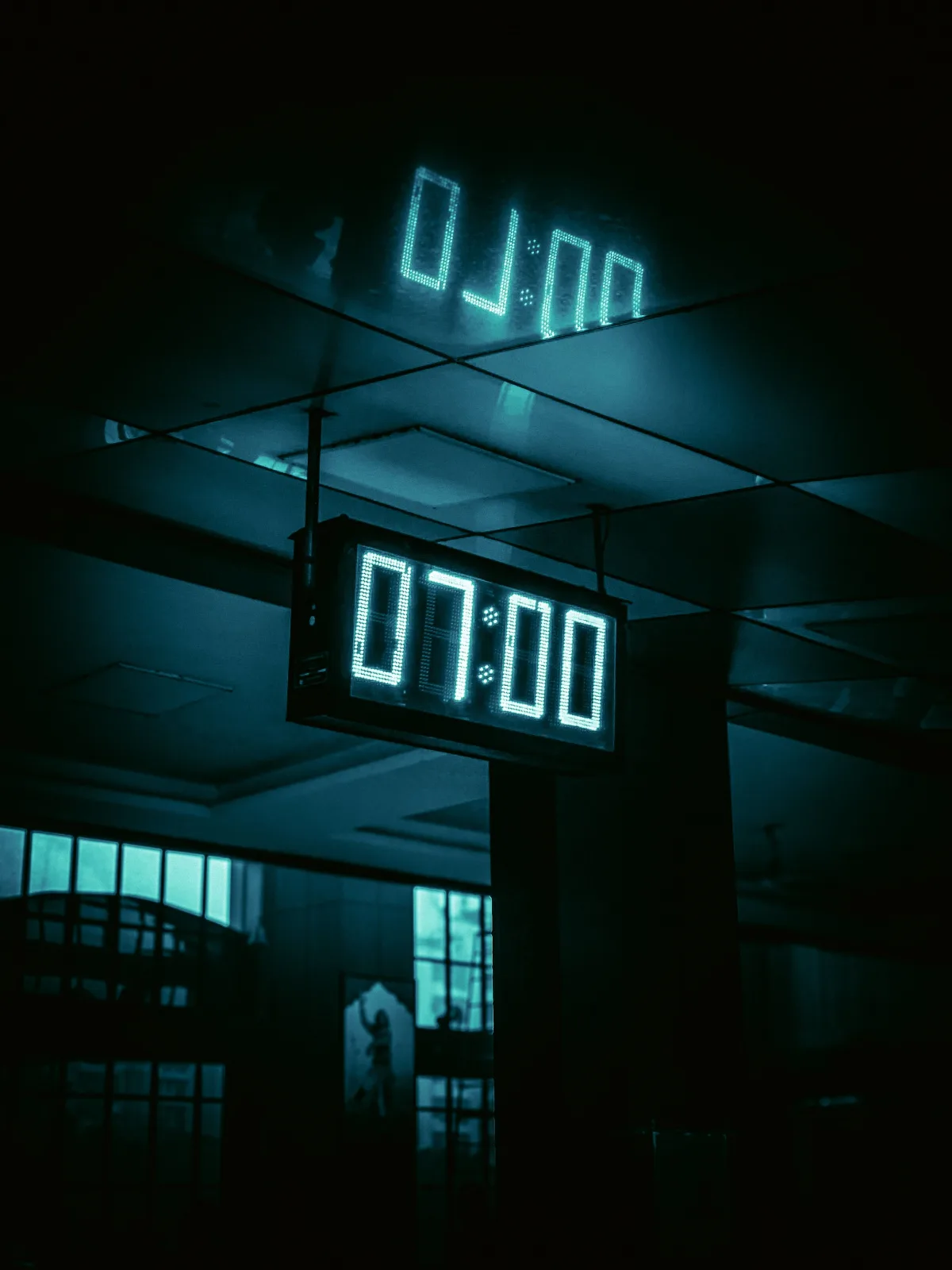
- The first is a dedicated LED gym timer - big red digits, a remote, a buzzer, mounted above the rig.
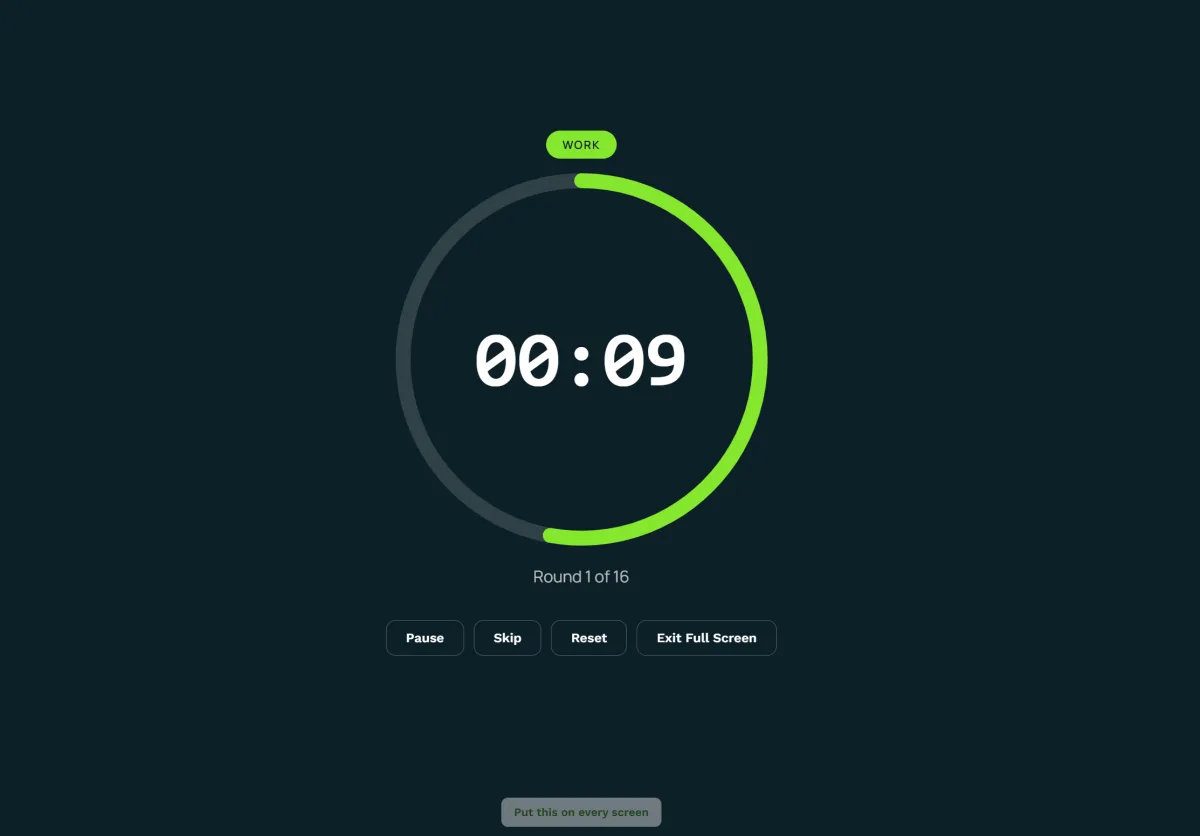
- The second is any TV or monitor you already own running a free workout timer in a browser.
Both are legitimate. They win in different rooms, and most facilities that buy the wrong one find out at the 6 AM class.
This guide covers:
- When an LED gym wall timer earns its price,
- When a screen timer makes the hardware redundant,
- What to look for if you buy the hardware, and,
- The hybrid most gyms end up running.
The quick comparison
| LED gym wall timer | Free screen timer (TV + browser) | |
|---|---|---|
| Cost | Roughly 60 - 500+ depending on size and features | $0 on a TV you own |
| Visibility | 4"+ digits read 100+ ft, in sunlight | 55" screen reads ~40 ft; glare-sensitive |
| Modes | Interval, Tabata, count-up/down, sometimes EMOM/rounds | Every mode, unlimited presets, custom programs |
| Control | Remote / buttons / Bluetooth app | Phone, tablet, cast, shareable links |
| Setup | Mount, plug in, learn the remote | Open a URL, go full-screen |
| Shows the workout too | No - it's a clock | Yes, with display software (or beside the clock) |
| Sound | Loud buzzer, fixed | Bell/voice/sticks, routed through gym speakers |
| Wi-Fi needed | No | To load; keeps counting offline |
| Outdoor / garage / rig zone | Excellent | Weak in sun, needs a screen there |
| Fails when | Remote lost, buzzer dies, power | TV browser sleeps, Wi-Fi drops mid-load |
| Best for | Outdoor/open floors, no-screen zones, one-button simplicity | Class-based gyms, multi-format programming, anyone who wants free |
When an LED gym wall timer wins
- No screen where you need the clock. Rig zones, turf lanes, outdoor pads, garage gyms with no TV - a gym wall timer is the only thing that reads from the far end of a 100-foot floor in daylight.
- One button, no thinking. Coaches who want "press start, get the buzzer" with no browser, no Wi-Fi, no tabs. Hardware fails less creatively than software.
- Remote from anywhere on the floor. A pocket remote at 60 feet beats walking to a TV - the reason so many CrossFit boxes still bolt a gym timer clock above the whiteboard.
- Ringside and round work. Boxing and MMA gyms often want a physical bell-and-lights gym timer at the ring for sparring; the screen version handles class rounds, the hardware handles the ring. (Software side: the free boxing round timer.)
- Always-on time of day. Most LED gym timers double as a wall clock - the display is never blank.
When a free screen timer wins
- It's free. The TV exists; the workout timer costs nothing, has no ads, and runs EMOM, Tabata, HIIT intervals, rounds, AMRAP and For Time with shareable presets - modes most hardware never gets.
- The workout belongs next to the clock. A gym wall timer shows seconds; a screen shows the block, the movements, the scaling, and the countdown together - with a workout display, synced across every TV and switching by class schedule.
- Control from the floor without a remote. Phone, tablet, cast, or a preset link opened on the screen - the full setup is in our guide to running a timed class on a gym TV.
- Better sound. Hardware buzzers are loud and identical; screen timers route bell, voice, or the boxing sticks through the gym speakers - and with the display, the music follows the interval.
- It never goes obsolete. Presets, modes, and fixes ship to the web; an LED gym timer has the features it shipped with.
LED gym timer buying guide: what actually matters
If the hardware wins your room, buy on these - in this order:
- Digit height vs viewing distance. The rule of thumb: roughly 25-30 feet of legibility per inch of digit height. 2.3" digits cover a ~60-foot studio; 4" digits cover a 100+-foot floor; outdoor or bright rooms push you a size up. Most buyer's remorse is a gym timer clock one size too small.
- Modes and programmability. Minimum: interval (work/rest × rounds), count-down, count-up, clock. Better: Tabata and EMOM presets, custom programs saved to memory, per-round variation. Best: multiple saved programs you can trigger from the remote without reprogramming at 5:59.
- Control. A dedicated remote is table stakes - check range (a 60-foot floor needs a 60-foot remote) and whether it's RF (works through bodies and equipment) or IR (needs line of sight). App/Bluetooth control is the modern tier; it's convenient until the coach's phone dies mid-class, so a physical fallback matters.
- Sound. Buzzer volume is fixed on most units - listen to it over class-volume music before buying, because a quiet buzzer is a returned timer. Some models offer a bell or beep choice; few match a screen timer's sound options.
- Display quality. Red or multi-color LED, adjustable brightness (essential if the room dims for classes), interval color-coding (green work / red rest) on better units, viewing angle for wide rooms.
- Mounting and power. Wall-mount vs hook/hang, AC vs battery (battery = portable for outdoor sessions, also = dead batteries), cable routing.
- Build. Rig-mounted timers take barbell hits and chalk; enclosure quality and a warranty matter more than in almost any other gym electronics.
Brands worth knowing (honest read)
- Rogue (Echo Timer) - premium build, the box-standard look, priced accordingly. Best for affiliates that want the rig-mounted classic and will keep it a decade.
- GymNext (Flex Timer) - app-controlled, programmable, modern feature set. Best for coaches comfortable running everything from a phone; keep the physical fallback in mind.
- Titan Fitness - value tier with the core modes and a remote. Best for garage gyms and second-zone timers.
- TITLE Boxing - round timers with the bell-and-lights ringside feel. Best for boxing and MMA gyms that want fight-format hardware at the ring.
- Amazon 12" generics - the cheapest way into a gym timer clock; modes and remotes vary wildly and the buzzer is the usual weak point. Best for a budget floor where the screen handles everything else.
Prices move; treat any tier as roughly budget ($0-$120), mid($150-$300), premium ($300+) at time of writing, and verify digit size before anything else.
The hybrid most gyms end up with
Facilities rarely choose. The pattern that sticks: screens for the class, hardware for the zones. The training floor runs the workout and the clock on the TVs (synced through the workout display); the rig, the turf, or the outdoor pad gets an LED gym timer that reads in sunlight and takes a barbell hit. Boxing gyms mirror it - class rounds on the screen, bell hardware at the ring. The free timer covers every mode either way; the hardware covers the places a screen can't go.
Cost math over five years
- A mid-tier LED gym wall timer is a one-time $200 that does one job for a decade.
- A Screen Timer is $0 on a TV you own and does every job - and the moment you want the workout on the same screen, the workout display starts free too.
The honest answer for most class-based gyms: start with the free screen setup, buy the hardware only for the zone that proves it needs one, and never buy a gym timer clock before you've measured the digit height the room actually needs.
Run interval work today without buying anything
Every format runs free right now on any screen: the EMOM timer, the Tabata timer, the HIIT interval timer, and the boxing timer - all with sound cues, presets, and casting from the workout timer hub. Setup on the gym TV takes five minutes; the walkthrough is how to run a timed class on your gym TV.