Ultimate Guide to Gym Display Systems
Discover the best gym display systems, including Fit Viz workout display features, workout clock timer automation, Workout Timer App alternatives, and FitViz Booking Software for scheduling, payments, programming, and member engagement.
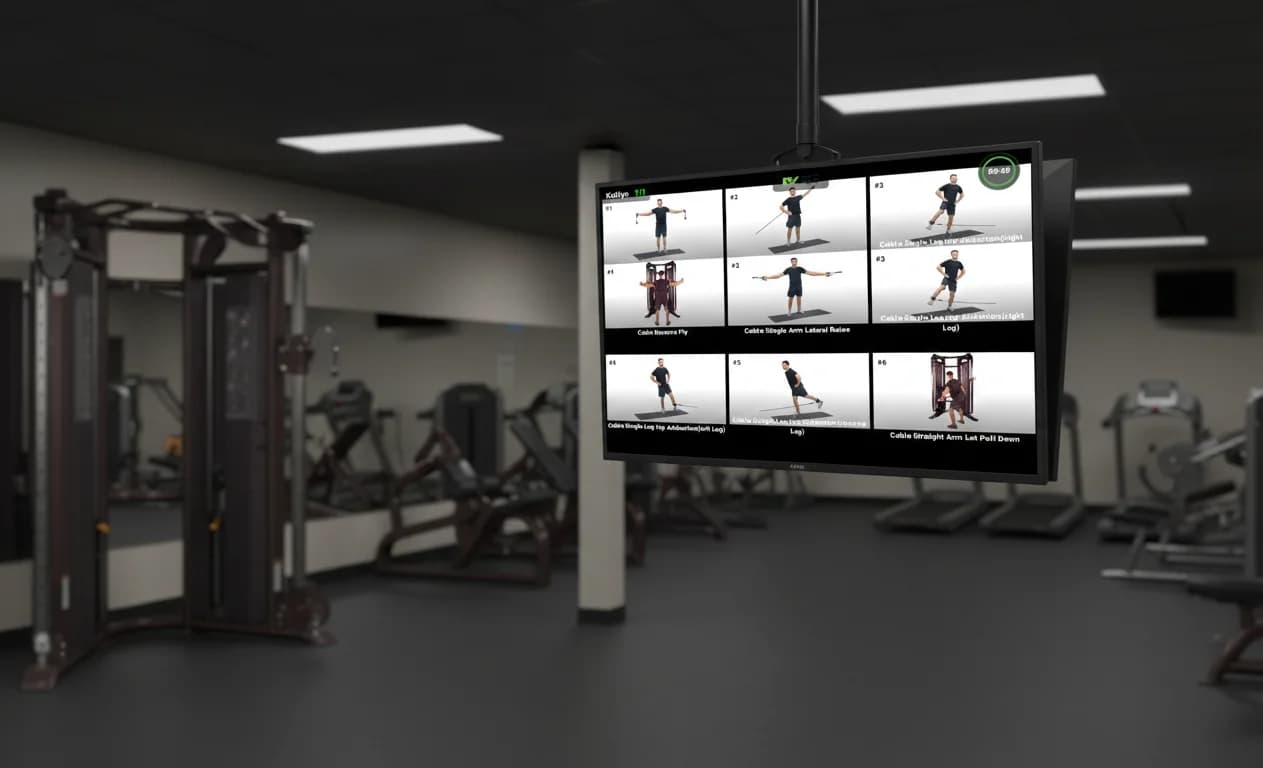
The era of the dry-erase whiteboard is over. The modern gym is digital. Gym display systems are no longer a luxury add-on - they are a core operating layer for fitness facilities. The right system improves class flow, reduces coach workload, elevates the member experience, and turns workouts into something athletes can see, follow, and trust in real time.
This guide breaks down what gym owners need to know: how gym display systems evolved, what hardware works best, what software features matter, and why Fit Viz has become the end-to-end solution for facilities that want a reliable, connected platform.
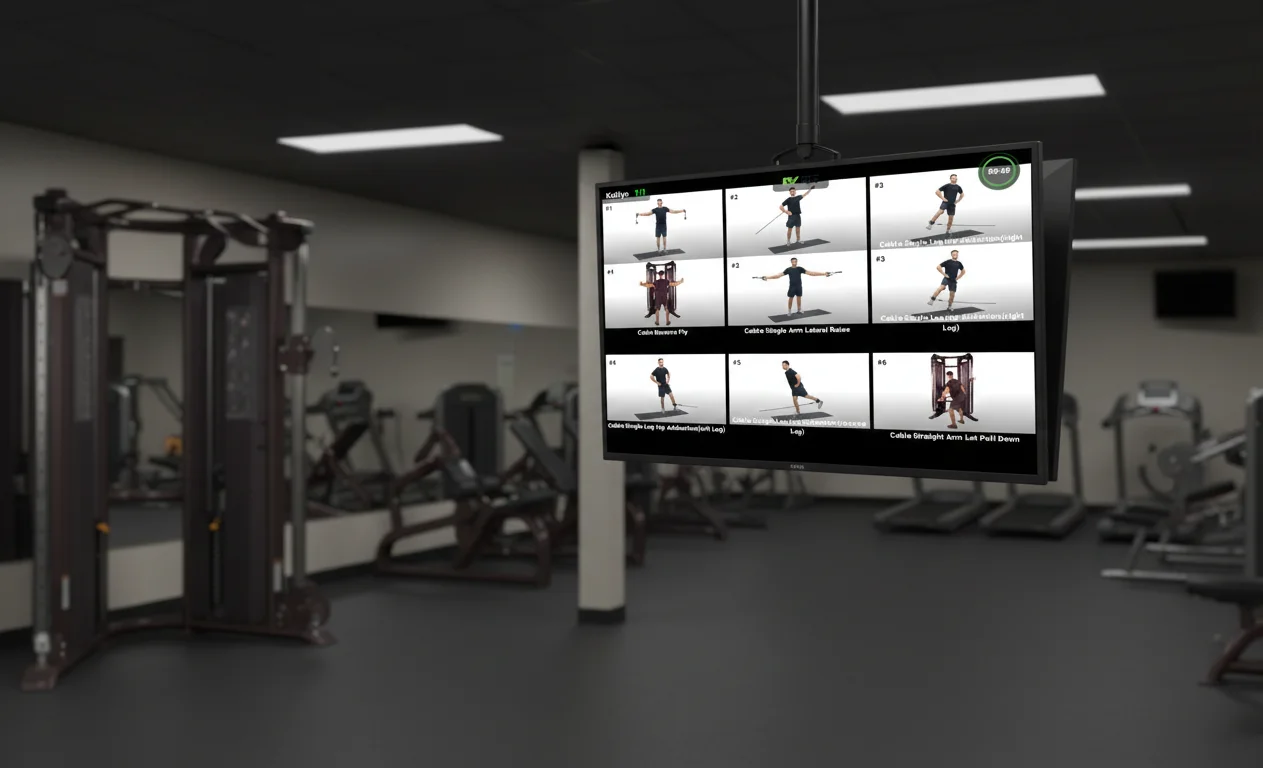
What Are Gym Display Systems?
A gym display system is a network of screens and connected software used to communicate workouts, guide classes, and display performance data across a facility. Unlike a TV playing cable news, gym screens are purpose-built for training.
A complete gym display system typically includes:
- A large screen (or multiple screens) visible from the training floor
- A dedicated device powering the screen (not a coach’s phone)
- Workout content: WODs, station lists, demos, intervals, transitions
- A reliable timer that runs the room
- Optional performance overlays (heart rate zones, leaderboards, summaries)
- Integration with scheduling, booking, and payments to automate the workflow
When done right, gym display systems reduce confusion and increase consistency. New members understand what’s happening. Coaches spend less time repeating instructions. Classes start on time and move smoothly.
The Evolution: Whiteboards to Connected Displays
The Analog Era: Whiteboards and Paper
Whiteboards work until they don’t. Common failure points include:
- Poor visibility from the back of the room
- Inconsistent formatting across coaches
- Time wasted rewriting workouts
- Friction for new members who don’t understand abbreviations
- No way to include demos, timing, or performance tracking
The TV Era: Entertainment Without Training Value
Mounting a TV and playing sports or news is easy - but it doesn’t help members train. It can even distract from coaching.
The Connected Era: Training-First Displays
Modern gym display systems are built around one goal: helping members execute the workout correctly and consistently. That means:
- The workout is displayed clearly
- Timing is automated
- Movement demos reduce coaching repetition
- Heart rate zone displays create accountability and engagement
- The system pulls workouts from your programming and scheduling tools
This is where Fit Viz defines the category.
Hardware That Works for Gym Display Systems
Most gyms don’t need specialized “digital signage” hardware to build a reliable gym display system. In a climate-controlled facility, standard 4K consumer TVs (65” and above) are often the best cost-to-performance choice.
Recommended Screen Sizes
- 55”: small studios or tight rooms
- 65”: baseline for most gyms
- 75”+: large functional floors, multi-station circuits, high-traffic areas
Placement and Mounting Strategy
To get value from gym display systems, placement matters as much as size:
- Put the screen where athletes naturally face during work intervals
- Avoid mounting too high (neck strain) or too low (blocked sightlines)
- Plan for glare and lighting
Common mounting approaches:
- Single wall-mounted display: simplest, works for most spaces
- Grid formation: multiple screens for large functional zones
- Portrait mode: schedules, station lists, leaderboards
- Ceiling mounts: warehouse gyms with limited wall space
- Pillar mounts: open-concept layouts or awkward room shapes
Why a Dedicated Device Matters
A major mistake gyms make is trying to run their display from a laptop, casting from a phone, or relying on screen mirroring.
A proper gym display system uses a dedicated device per screen. With Fit Viz, gyms use an NVIDIA Shield device to power each display reliably. This improves:
- Performance and stability
- Consistent playback for demos and timers
- Easier troubleshooting and standardization across TVs
Software: The Brain of Gym Display Systems
The most important decision isn’t the TV - it’s the software. Hardware is just a canvas. Software is what makes gym display systems useful, automated, and scalable.
A real system should:
- Automatically show the right workout for the right class
- Display movement demos (video or looping clips)
- Run an interval timer without manual effort
- Support heart rate overlays and performance summaries
- Connect to your scheduling and booking workflow
Fit Viz was built specifically to deliver these outcomes.
Fit Viz Workout Display: Turning Any TV Into a Coaching Tool
The Fit Viz workout display transforms a large screen into the class command center. Instead of a static WOD on a whiteboard, members see:
- The workout structure (blocks, rounds, stations)
- The current interval and what’s next
- Rest periods and transitions
- Movement demos for clarity and form
This reduces coaching repetition and helps every athlete stay on track, especially in busy classes.
Replacing the Workout Clock Timer With a Smart Display
A stand-alone workout clock timer has been a gym staple for years. But single-purpose LED clocks create friction:
- The remote gets lost
- Coaches manually program intervals
- Timers exist separately from the workout and demos
- Members know the time, but not what they should be doing
With Fit Viz, the workout clock timer becomes a feature of the display. The timer sits next to the workout and the movement demo, giving members full context:
- "0:30 remaining" appears alongside the exercise they're performing
- Interval changes happen automatically
- Coaches start the session from a tablet and the room runs itself
For an in-depth comparison of timer options and implementation strategies, check out our workout timer guide covering LED clocks, Bluetooth timers, and integrated display solutions.
Instead of the clock being the authority, the system becomes the authority.
Workout Timer App vs Integrated Timing on a Display
A Workout Timer App can work for a solo training session, but it often breaks down in group environments:
- It depends on one person’s phone
- Bluetooth dropouts and notifications can interrupt timing
- Members can’t always see the screen
- The timer is disconnected from workout context and demos
Gym display systems work best when the timer lives on the main screen and runs automatically as part of class flow. Fit Viz solves the biggest weakness of timer apps: inconsistency.
FitViz Booking Software: The Automation Layer That Makes Displays Smart
Many gym display systems fail because they require constant manual updates. If staff must type workouts into TVs or manage scheduling in separate tools, the system becomes another chore.
FitViz Booking Software connects the operational side of the gym to the display experience:
- Scheduling and class capacity
- Booking and waitlists
- Memberships, packages, and payments
- Workout building and programming templates
- Member engagement and communications
- Workout history and performance records
This is what makes Fit Viz powerful: it closes the loop between what members book, what they see on the screen, what they do in class, and what gets recorded afterward.
In a truly connected facility:
- The schedule determines what appears on the TV
- The workout is displayed automatically at class time
- The timer runs the blocks without manual programming
- Member data is captured and stored
That’s the difference between “a screen” and gym display systems.
Content Strategy: What to Put on Screens
The best gym display systems don’t show everything everywhere. They show the right information in the right place.
The Lobby Screen
Use a lobby screen for:
- Today’s schedule and class availability
- Promotions, challenges, announcements
- Onboarding prompts for new members
The Training Floor Screen
Use the training floor screen for:
- The workout flow and station plan
- Movement demos
- The integrated workout clock timer and transitions
The Performance Screen
If you run heart rate tracking, this screen becomes a motivator and an equalizer:
- Members see their intensity objectively
- Coaches can manage the room more effectively
- Athletes compare effort, not speed
Installation and Reliability: Getting It Right the First Time
Gym display systems fail when reliability is treated as optional.
Best practices:
- Hardwire screens with Ethernet whenever possible
- Use a dedicated device (NVIDIA Shield) per TV
- Standardize TV models and mounting where feasible
- Train coaches on a simple workflow (“Start Class” rather than manual timer programming)
The goal is operational simplicity: the system should reduce workload, not add to it.
Why Fit Viz Is the End-to-End Solution for Gym Display Systems
Many facilities try to build gym display systems from disconnected parts:
- A TV for workouts
- A separate workout clock timer
- A Workout Timer App for coaches
- Another tool for booking and payments
- Another tool for workout tracking
Fit Viz replaces that patchwork with a unified platform:
- Fit Viz workout display on TVs
- Integrated workout clock timer and automated class flow
- A better alternative to a standalone Workout Timer App for group classes
- FitViz Booking Software for scheduling, booking, payments, programming, engagement, and workout history
This creates a modern gym environment where screens aren’t decoration - they’re infrastructure.
Conclusion
The best gyms are not just places to work out. They are well-run systems. Gym display systems are the central nervous system of that experience, connecting programming, coaching, timing, and member engagement into one cohesive flow.
Fit Viz helps fitness facilities upgrade without complexity by turning standard TVs into smart workout displays, replacing stand-alone timers with automated class control, and linking everything back to booking, scheduling, and performance tracking through FitViz Booking Software.
For CrossFit boxes looking to build a complete technology ecosystem, see our CrossFit software guide that covers displays, timers, scheduling, and member engagement as an integrated system.
If you want one upgrade that improves operations and member experience immediately, gym display systems - done right - are it.