Best Pilates Studio Software: 10 Platforms Compared
The 10 best pilates studio software platforms for 2026 - reformer spot booking, privates and duets, packs, and pricing compared, including a genuinely free option
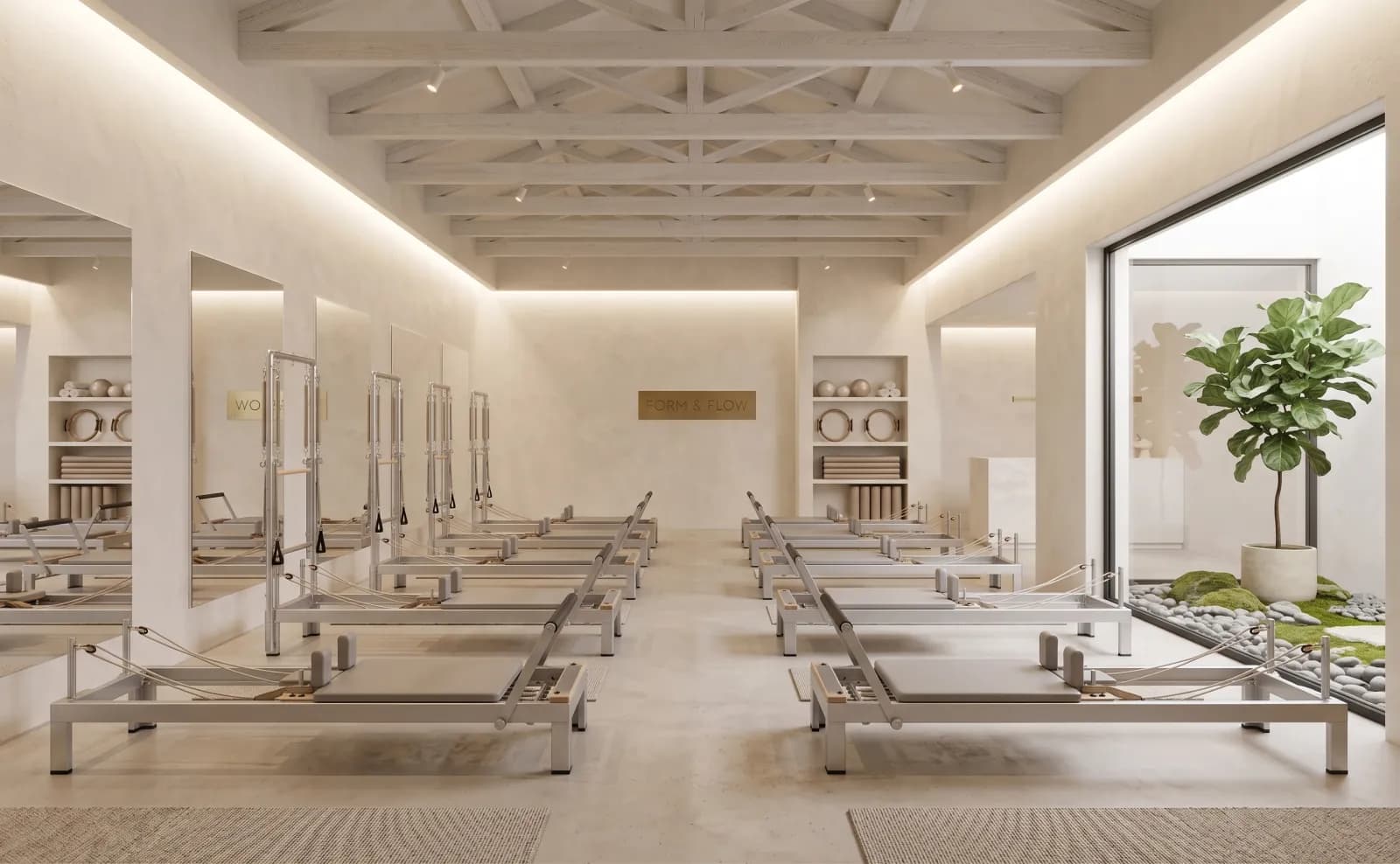
Pilates software has the most demanding booking requirements in boutique fitness: capacity fixed by equipment, clients loyal to specific reformers, and a revenue mix where privates and duets matter as much as classes. Most "best pilates studio software" lists compare generic features; this pilates software guide doesn't - the 10 platforms below are judged on reformer spot booking, private/duet scheduling, pack handling, and price, the columns the best pilates studio software has to win on.
Fit Viz is our platform - bias disclosed. The other nine are described as fairly as we can manage; verify pricing directly.
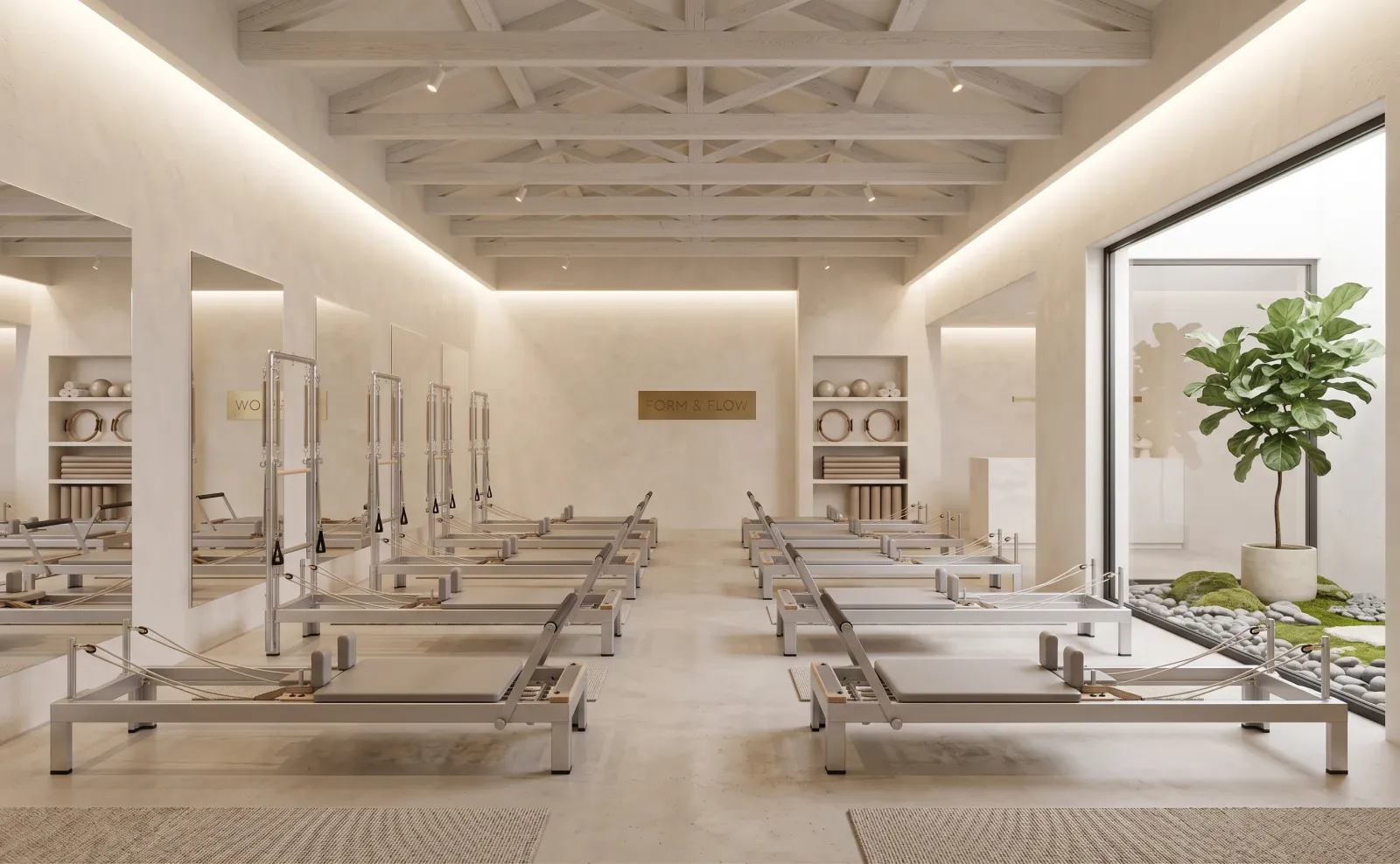
What pilates studios should actually compare
Judge pilates software on the constraints, not the feature list:
- Spot booking, not just capacity. Eight reformers is eight spots - and clients want their spot. Software that only caps headcount creates the front-desk argument software was supposed to end.
- Privates and duets in the same calendar. If appointments live in a second tool, your highest-margin hours are invisible to your packs, reporting, and app.
- Pack flexibility. Intro series, 5/10/20-packs, unlimited, drop-ins - coexisting, tracked automatically. Pilates class software that can't run an intro series beside a 20-pack fails the first month.
- Waitlist automation. With eight spots, one cancellation is 12.5% of the class. Automatic promotion or lost revenue. (Full booking-system criteria: the pilates studio booking software guide.)
- The marketplace question. Platforms with consumer marketplaces can bring new clients - and show your current clients competing studios.
The 10 platforms
1. Fit Viz - best for free booking with reformer spots and privates native
Fit Viz pilates studio software includes reformer spot selection, private/duet appointment booking, packs, and automatic waitlists on a genuinely free tier (Stripe/Payroc processing fees only); Professional adds the branded app (iOS, Android), retention signals, and multi-location.
Watch out: marketing-suite depth trails WellnessLiving. Full details →
2. Mindbody - best for marketplace acquisition
The category's biggest name and consumer marketplace; deep features across wellness.
Watch out: costs stack with add-ons, and the marketplace exposes your clients to competitors. (Mindbody alternatives →)
3. WellnessLiving - best for the marketing suite
All-in-one with reviews, referrals, loyalty, and virtual delivery (FitLIVE/FitVID).
Watch out: suite complexity; quiet studios may pay for tools they won't run.
4. Walla - best for premium boutique brands
Built for boutique yoga/pilates/barre with a polished branded app and websites.
Watch out: premium pricing; heavy for a first-year studio.
5. StudioBookings - best for bare-bones affordability
Positions itself as the affordable Mindbody alternative for pilates and barre; core booking, no contracts.
Watch out: App and interface polish trail the premium tier.
6. Momence - best for Mindbody switchers
Modern interface, strong migration support, good communications tooling.
Watch out: confirm processing rates and add-ons in writing.
7. Glofox (ABC) - best for multi-location growth
Branded app, lead management, franchise-grade reporting.
Watch out: onboarding and contracts assume committed growth.
8. Vagaro - best for budget hybrid wellness
Affordable and appointment-native (salon/wellness roots) with its own marketplace - suits pilates blended with massage or beauty. Watch out: class workflows feel adapted; marketplace trade applies. (Vagaro alternatives →)
9. bsport - best for European boutiques
Premium European platform, strong multi-site and automation. Watch out: pricing and support footprint favor established EU studios.
10. Punchpass - best for minimalist mat studios
Simple, humane, beloved by small studios. Watch out: no spot booking - fine for mat classes, limiting for reformer rooms.
Quick comparison
| Platform | Reformer spots | Privates/duets | Free tier | Branded app | Marketplace |
|---|---|---|---|---|---|
| Fit Viz | Yes | Yes | Yes | Pro tier | No |
| Mindbody | Yes | Yes | Trial | Add-on | Yes |
| WellnessLiving | Yes | Yes | Trial | Add-on | Light |
| Walla | Yes | Yes | Demo | Yes | No |
| StudioBookings | Basic | Yes | Trial | Basic | No |
| Momence | Yes | Yes | Trial | Yes | Light |
| Glofox | Yes | Yes | Demo | Yes | No |
| Vagaro | Basic | Yes | Trial | Add-on | Yes |
| bsport | Yes | Yes | Demo | Yes | No |
| Punchpass | No | Basic | Trial | No | No |
How to choose the best pilates studio software (by studio stage)
- Opening this year: free (Fit Viz) or minimal pilates class software (Punchpass for mat-only) - pay for growth when growth arrives.
- Reformer-first studios: shortlist only true spot-booking platforms - Fit Viz, Walla, Momence, WellnessLiving - and test the client-side flow yourself.
- Privates are half the revenue: demand appointments in the same calendar as classes; on this list, Fit Viz, Momence, WellnessLiving, and Vagaro qualify cleanly.
- Marketplace growth: Mindbody or Vagaro, eyes open.
- Premium brand: Walla or bsport.
- Multi-location: Glofox or WellnessLiving.
FAQ
What is the best pilates studio software?
It depends on the constraint: Fit Viz for a free start with reformer spots and privates native; Walla for premium boutique polish; WellnessLiving for the marketing suite; Mindbody for marketplace reach. The table above compares all ten on the columns that matter in pilates software.
What's the best free pilates studio software?
Fit Viz - class, private, and duet booking, reformer spot selection, packs, and payments (processing fees only) free with no time limit; most other "free" options are trials.
What software lets clients pick their reformer spot when booking?
Fit Viz, Walla, Momence, and WellnessLiving offer true spot selection - the client chooses a specific reformer at checkout, with capacity set by equipment count, not just headcount.
What are the leading pilates software options for studios?
The ten above cover the field: Fit Viz for a free start with reformer spots and privates native, Mindbody for marketplace reach, WellnessLiving for the marketing suite, Walla for premium polish - matched to studio stage in the chooser section.
Does pilates software need spot booking?
For reformer rooms, yes - capacity equals equipment, and clients care which machine. Mat-only studios can live without it.
Can these platforms book privates and duets with classes?
Fit Viz, Momence, WellnessLiving, and Vagaro handle appointments in the same calendar; on class-first tools, confirm privates aren't a bolted-on second system.
How hard is switching pilates studio software?
1-3 weeks with migration support and a one-week parallel run. Ask whether clients, packs, and active memberships migrate - and what export looks like if you ever leave.