Mindbody Pricing 2026: Full Cost Breakdown and Hidden Fees
Mindbody Pricing 2026 explained: learn how plan tiers, add-ons, payment processing, SMS limits, onboarding services, and integrations impact your true monthly cost. Use a simple total-cost model and compare Mindbody to Fit Viz, a fitness-first alternative that bundles booking and payments with workout displays, built-in timers, and heart rate zone engagement for a premium in-class experience.
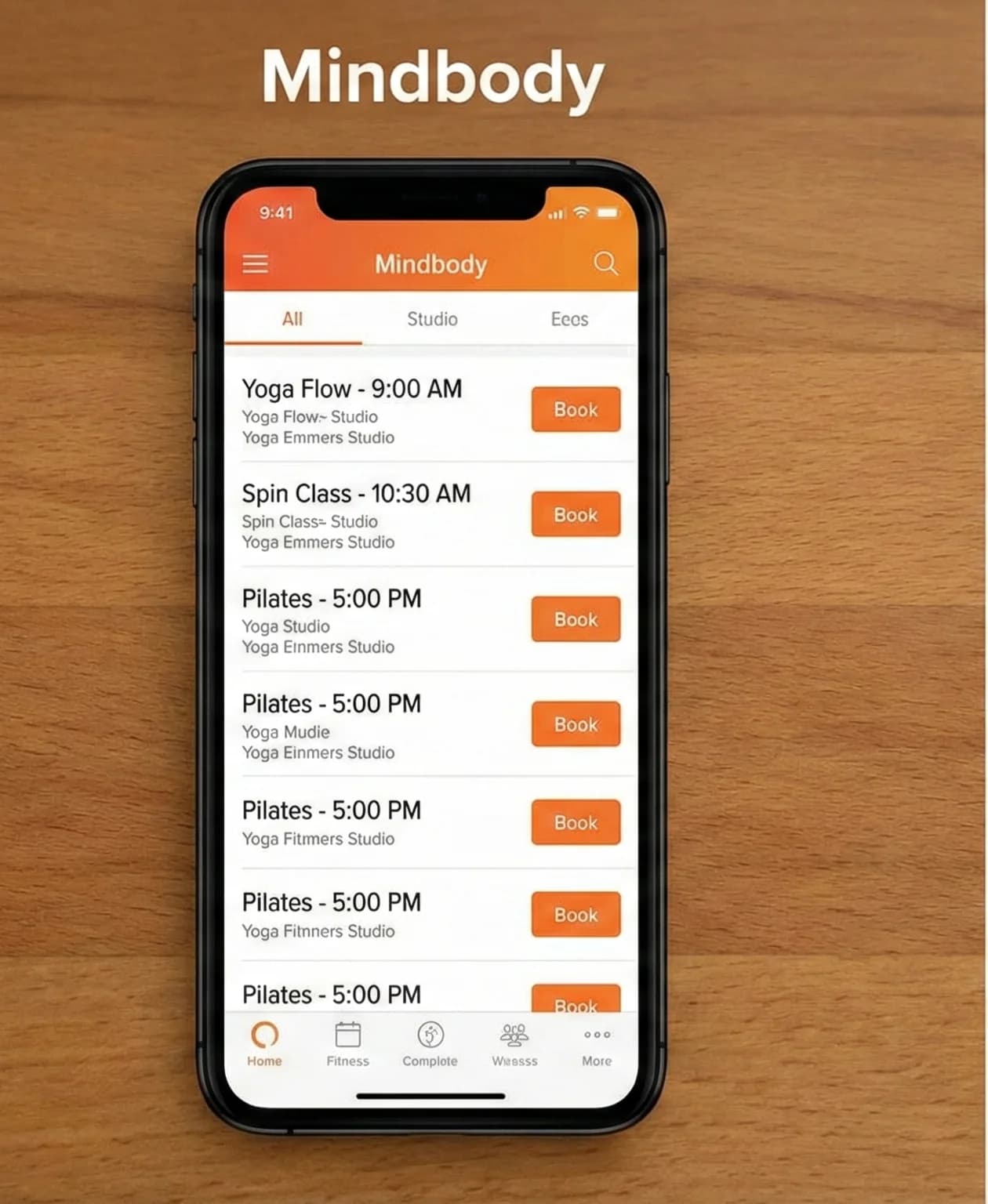
If you’re researching Mindbody Pricing 2026, you’re probably trying to answer a simple business question:
“What will this actually cost me per month - and what am I getting for it?”
Mindbody is widely used in boutique fitness and wellness because it can handle scheduling, packages, memberships, and payments at scale. But many owners discover that the “starting at” number is only the beginning. The real monthly cost often depends on add-ons, payment processing, messaging, onboarding, and the extra tools you still need to run the class experience (workout displays, timers, performance visibility).
This expanded guide is designed to help you estimate your true cost and make a clean comparison against modern, fitness-first platforms like Fit Viz.
In this article, we’ll focus on these 4 areas:
- How Mindbody pricing is structured (tiers, quoting, per-location realities)
- Hidden costs (payments, messaging, add-ons, onboarding, marketplace/referrals, contract terms)
- The “stack tax” (what you still end up buying outside Mindbody to run great classes)
- Fit Viz as a transparent alternative that connects booking and billing to the gym floor experience (screens + timers + heart rate zones + member engagement)
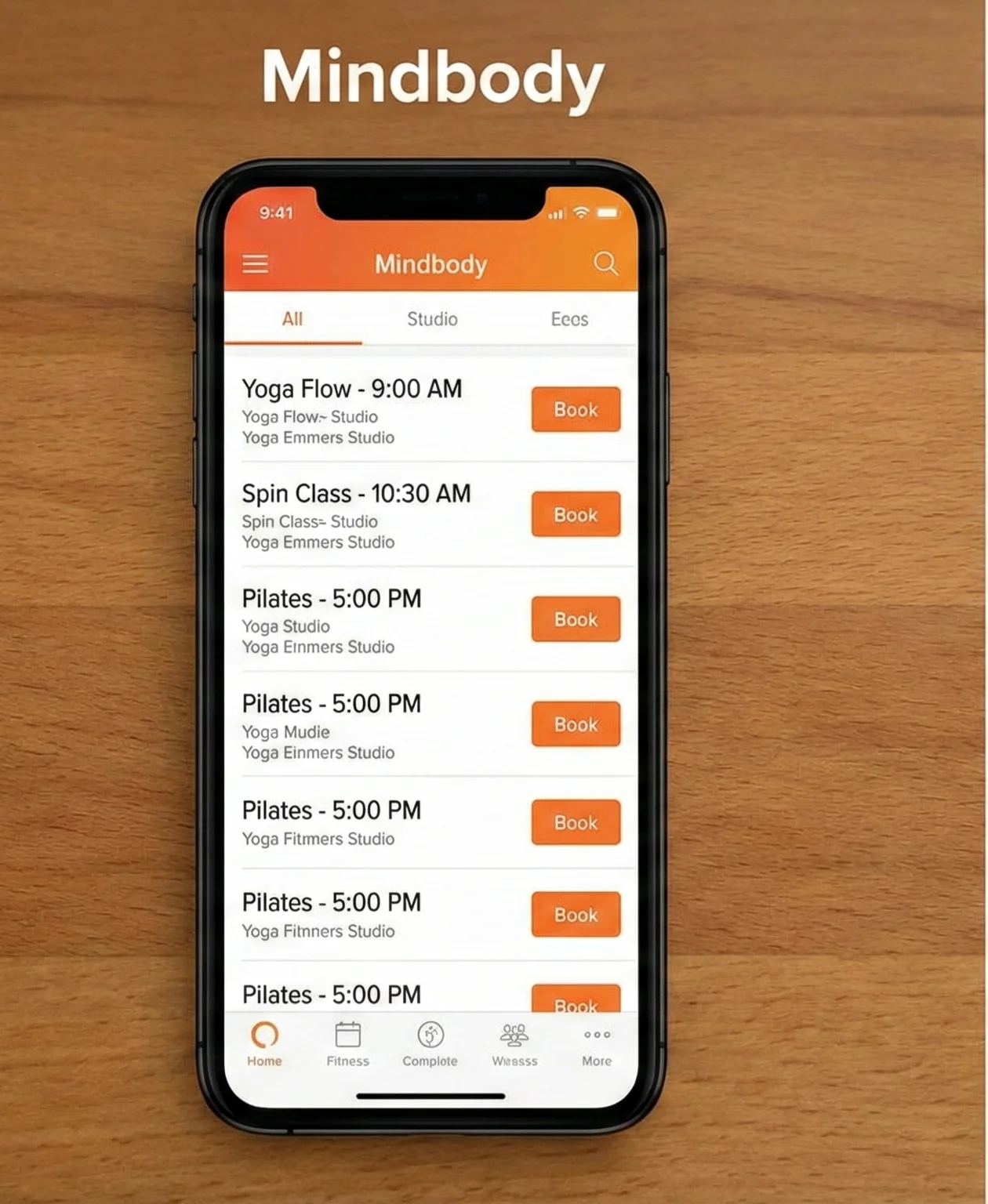
Why Mindbody pricing feels complicated in 2026
Mindbody pricing feels “hard to pin down” for two reasons:
1. It’s built like enterprise software, even for small studios
Mindbody typically prices per location and often uses a quote process for final numbers. That’s common in enterprise tools: your “plan” is a starting point, then the quote is shaped by feature needs, add-ons, and how many locations you run.
2. Modern fitness operations need more than booking
In 2026, owners don’t just want “a calendar.” They want a system that optimizes:
- Occupancy (fill the room)
- Retention (keep members returning)
- Staff workload (reduce admin)
- Class execution (timers, screens, clarity)
- Member experience (premium, consistent, modern)
So even if Mindbody covers scheduling and billing, many gyms still buy additional tools to deliver what members actually feel on the floor.
That’s why Mindbody is best evaluated as a total cost of ownership decision, not just “plan pricing.”
The right way to evaluate Mindbody Pricing 2026
Here’s the most reliable mental model:
Your true Mindbody cost is usually:
Subscription (per location)
- Add-ons (often branded app, marketing/SMS, premium modules)
- Payment processing (variable, tied to revenue volume)
- Messaging overages (if you run heavy automation)
- Onboarding/migration/pro services (one-time or recurring)
- Integration costs (other vendors you still need)
- Opportunity cost (time spent managing workarounds)
Once you see pricing this way, it becomes easier to compare Mindbody to alternatives like Fit Viz that bundle more of the “in-class experience layer” into the same platform.
Mindbody plan tiers in practice
Mindbody typically markets plan tiers such as Starter / Accelerate / Ultimate. Those names can shift or evolve over time, but the tier logic is fairly stable:
Starter: “Get booking and payments running”
Starter-level plans are usually intended for:
- Single-location operators
- Simpler scheduling needs
- Basic membership and pack management
- Minimal marketing automation needs
Where Starter fits well
- You want scheduling and payments up quickly
- You don’t need advanced automation and sales tooling
- You are comfortable with external tools for marketing and engagement
Common friction for gyms
Once you start adding real fitness workflows (waitlists, high-frequency classes, retention messaging, branded mobile experience), you may find yourself needing add-ons or moving up tiers.
Accelerate: “Ops and scheduling complexity”
This tier is typically positioned for:
- Busier schedules
- More complex offerings
- Resource management (rooms, spots, capacity rules)
- Stronger reporting needs
Where it fits
- Boutiques with multiple rooms or modalities
- Studios with heavy schedule volume
- Operators who need more control and visibility
Common friction
Some gyms still discover that “running the class experience” requires other tools. Accelerate can run the calendar better, but it won’t necessarily run the workout floor unless you add a separate layer.
Ultimate: “Marketing and retention automation”
This tier is often positioned around:
- Stronger messaging and automation
- Sales pipeline features
- Higher messaging limits
- Campaigns and segmentation
Where it fits
- Studios that want retention messaging and lead conversion inside one platform
- Multi-location operators with structured marketing processes
- Owners who want less reliance on third-party marketing tools
Common friction
If your studio’s “premium” experience depends on branded app behavior, advanced workflows, or integrated in-class engagement, you may still have to add other products or add-ons.
The hidden costs in Mindbody Pricing 2026 (the stuff that changes your real monthly bill)
This is the section most owners wish they had before signing.
1. Payment processing: the biggest variable cost
For many gyms, payment processing is larger than software subscription fees.
Even small differences in effective processing rates can meaningfully change costs over a year. Your actual processing cost depends on:
- Your monthly revenue volume
- Card present vs card-not-present
- Membership autopay classification
- Chargebacks and dispute rates
- Whether you run retail
- Whether you negotiate volume discounts
Owner takeaway: When you evaluate Mindbody pricing, always model payment processing separately. If you don’t, you’re comparing software inaccurately.
2. Branded mobile app: often an add-on cost
Many operators assume a branded app is included. In some software stacks, it’s included; in others, it’s a separate paid item.
Even if you don’t need a fully custom branded app, you should decide:
- Do you need your own branded member experience?
- Is a generic marketplace presence acceptable?
- Do you want the app experience to feel like your brand or like a third-party platform?
Why it matters: your app is part of your studio identity and member habit loop. The more “generic” it feels, the easier it is for members to switch gyms.
3. Messaging and SMS: limits, tiers, and overages
Retention messaging works best when it’s consistent and personal:
- “Haven’t seen you in 10 days - want me to save you a spot?”
- “Your usual class has 3 spots left.”
- “Waitlist spot opened - confirm within 10 minutes.”
But many platforms structure messaging with:
- Tiered message limits
- Separate SMS packages
- Overage charges
- Two-way SMS differences by plan
Owner takeaway: If you plan to run a modern retention system, ask for the real monthly messaging cost at your expected volume, not just “included messages.”
4. Professional services: onboarding, setup, and data migration
Many owners underestimate migration and setup costs because they’re not purely financial - there’s time cost too.
Migration includes:
- Membership and pack mapping
- Pricing rules
- Cancellation policies
- Staff permissions and roles
- Schedule templates
- Reporting setups
- Payroll and commissions logic (if used)
Some gyms can self-implement. Others need paid setup support. The bigger you are, the more likely you need structured onboarding.
Owner takeaway: Ask what’s included, what’s paid, and what happens if you need help after launch.
5. Integrations: the “stack tax”
Mindbody has a large ecosystem, which can be a positive if you want flexibility. But integrations often create a hidden monthly cost:
- Additional vendor subscriptions
- More tools for staff to learn
- Support complexity (“is this Mindbody or the integration?”)
- Fragmented data across systems
The stack tax becomes real when your gym uses:
- Separate workout display systems
- Separate timers
- Separate performance tracking apps
- Separate heart rate systems
- Separate marketing platforms
- Separate analytics dashboards
Owner takeaway: If you need multiple tools to deliver your member experience, your true software budget is the sum of all those tools - not just Mindbody pricing.
6. Contract length, renewals, and price creep
Even without talking about specific contract terms, every operator should evaluate:
- Contract duration
- Renewal terms
- Escalation clauses
- Cancellation requirements
- Data export and migration support if you leave
This is not just legal paranoia. It’s business protection.
Owner takeaway: Your software is a 3–5 year decision. Treat it like one.
What gyms usually still need after Mindbody: the missing “class execution layer”
Here’s the difference between a scheduling platform and a gym operating system:
- Scheduling platforms help members reserve spots.
- Operating systems help the gym run the class experience.
Many gyms using Mindbody still end up adding:
- A workout display product to show WODs / station blocks
- A timer product to run intervals clearly
- A heart rate system to visualize effort
- A workout tracking tool for benchmarks and PRs
- A messaging tool for retention workflows (if not using in-platform messaging)
That isn’t automatically “bad.” But it changes the value comparison.
If your gym experience is built on premium class execution - HIIT, functional fitness, circuit training, bootcamp, boutique strength - then the class execution layer is the product. That’s where Fit Viz is positioned differently.
Fit Viz as a fitness-first alternative to Mindbody pricing complexity
Fit Viz is designed as an all-in-one gym management platform that also powers what members experience during class:
- Workout displays on TVs
- Built-in workout timers (intervals, station rotations, transitions)
- Heart rate zones and live tiles for intensity coaching
- Workout programming and delivery
- Member booking and payments
- In-built Gym music mixes (4,800+ all genres & bpms) - (FitBeats-style experience)
Where Mindbody is often “front desk + marketing + integrations,” Fit Viz emphasizes “front desk + training floor + engagement.”
Why this matters financially
If Mindbody requires:
- Base subscription
- Add-ons
- Plus a separate workout display system
- Plus a separate timer system
- Plus a separate heart rate platform
- Plus extra tools for engagement and tracking
…then your total cost can exceed a platform that bundles the gym floor layer into one system.
The key comparison isn’t Mindbody vs Fit Viz on features.
It’s: how many tools do you need to buy to deliver the experience you want?
Fit Viz is positioned to reduce tool sprawl by making the class experience part of the core system.
A budgeting template: estimate your real cost in 15 minutes
Use this template for any platform (Mindbody or alternative):
A. Fixed monthly costs
- Subscription per location: $_____
- Branded app: $_____
- Messaging/SMS: $_____
- Add-ons/modules: $_____
- Other tools (screens/timers/HR/tracking): $_____
Total fixed monthly: $_____
B. Variable monthly costs
- Payment processing: (Monthly revenue × effective rate) = $_____
- Chargebacks/fees buffer: $_____
- Marketplace/referral fees (if any): $_____
Total variable monthly: $_____
C. One-time costs (annualized for comparison)
- Setup/onboarding: $_____
- Data migration: $_____
- Hardware upgrades (if any): $_____
Annualized per month: $_____ (one-time ÷ 12)
True monthly cost estimate
Fixed + Variable + Annualized one-time
This is the number you should compare across platforms - not the “starting at” price.
What to ask Mindbody sales to avoid surprises
If you want to evaluate Mindbody pricing fairly, here are high-leverage questions:
Plan clarity
- Which plan are you quoting, and why?
- What features are included vs add-ons?
- Are there feature limits (locations, staff accounts, messaging)?
App and branding
- Is a branded app included?
- If not, what is the monthly cost and setup cost?
- Are there publishing fees?
Payments
- What is my projected effective processing rate based on my volume?
- Are there volume discounts?
- What are the card-present vs card-not-present differences?
- Are there additional monthly payment fees?
Messaging
- How many SMS messages are included?
- What are overage rates?
- Is two-way SMS included?
Services
- What onboarding is included?
- Is migration included?
- What support is available after launch?
Contract terms
- What is the contract length?
- What happens at renewal?
- What is required to cancel?
- How do I export data if I ever leave?
These questions don’t make you “difficult.” They make you an operator making a multi-year decision.
Decision framework: when Mindbody makes sense vs when to consider Fit Viz
Mindbody can be a strong fit if:
- You want deep marketplace exposure
- You value a large integration ecosystem
- You have admin support for a heavier system
- You run a complex wellness business with many service types
- You prioritize marketing automation inside one tool
Fit Viz is often a better fit if:
- Your main product is group classes and in-gym experience
- You want screens, timers, and heart rate zones integrated
- You want fewer tools and fewer logins
- You want a modern member experience that feels “premium” without add-ons
- You’re scaling and want centralized control of the training floor experience
Why “experience-first” software wins in 2026
A lot of owners look at software as an expense line. In reality, software is a retention lever.
Retention is driven by:
- Ease of booking
- Clarity in class
- Coaching quality
- Visible progress
- Social engagement
- Consistent experience
Mindbody often excels at the “front desk and marketing” side. Fit Viz is positioned to excel at “front desk + class execution + engagement.”
If your gym’s competitive advantage is the class experience, the software that supports class execution can produce measurable outcomes:
- Fewer confused members
- Smoother transitions
- Less coach burnout
- Better pacing and safety
- Higher perceived value per class
- Higher retention
That’s why comparing Mindbody pricing to a platform like Fit Viz isn’t just financial - it’s strategic.
Common scenarios and what they imply for Mindbody pricing
Scenario 1: Single-location boutique studio, moderate tech needs
Mindbody can fit, but watch for:
- Branded app cost
- Messaging costs
- Payment processing
Fit Viz can fit if you want:
- A premium in-class display layer built in
- A more unified “class experience” system
Scenario 2: High-volume group class gym (HIIT, bootcamp, functional fitness)
Mindbody can handle booking, but you may still need:
- Screens
- Timers
- Performance engagement tools
Fit Viz is designed for this scenario, because the class execution layer is core.
Scenario 3: Multi-location brand scaling quickly
Mindbody can scale, but you’ll want:
- Strong unified reporting
- Predictable multi-location pricing
- Consistent member experience
Fit Viz’s advantage is centralized control of both scheduling and in-studio experience (screens, layouts, timers, heart rate zones) so each location feels consistent.
Scenario 4: Studio heavily dependent on retention messaging and automations
Mindbody Ultimate-style tiers may help if everything is inside one platform, but you must validate:
- Message limits
- Overage costs
- SMS workflows
Fit Viz can still support engagement, but the differentiation is that engagement is also supported through the in-gym experience (visible progress, synchronized class flow, heart rate zones) not only outbound messaging.
Final takeaway: Mindbody Pricing 2026 is about value alignment
Mindbody pricing can make sense - especially for operators who benefit from its ecosystem and marketing tools. But many gyms and studios experience “pricing drift” over time:
- The plan is fine
- Then you add a branded app
- Then you add messaging
- Then you add a workout display tool
- Then you add a timer tool
- Then you add a heart rate system
- And suddenly your “software stack” is far more expensive than expected
If you want to reduce the stack tax and invest in a platform that members feel during class, Fit Viz is positioned as a modern alternative: scheduling and payments plus workout displays, built-in timers, and heart rate zones in one system.
The best software decision is the one that matches how your facility wins:
- If you win with marketplace + marketing automation, Mindbody may fit
- If you win with premium in-class execution, clarity, and engagement, Fit Viz often fits better