How to Add Workouts to Fitness App on iPhone (2025 Step-by-Step Guide)
Learn how to add workout to Fitness app on iPhone in 2025. Follow this step-by-step guide for iOS 18 and discover how to sync workouts automatically without manual entry.
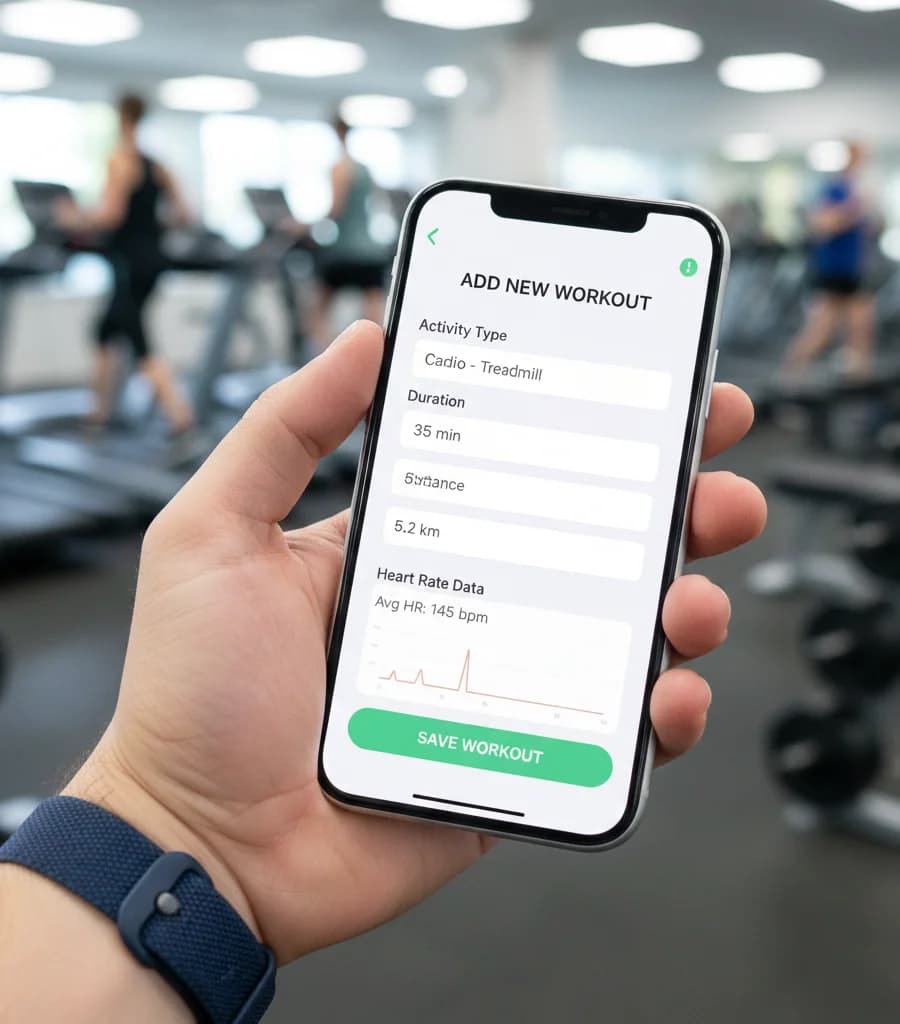
Apple’s Fitness app has become significantly more powerful with iOS 18, offering better tracking, deeper insights, and tighter Apple Health integration. However, many users still run into a common issue: forgetting to wear their Apple Watch during a workout.
If you completed a session and need to know how to add workout to Fitness app manually to keep your activity rings accurate, this guide walks you through the exact steps - along with a better way to avoid manual entry altogether.
Why You Might Need to Add a Workout Manually
Apple’s Fitness app relies heavily on Apple Watch data. If your watch was:
- Not worn during the workout
- Out of battery
- Not tracking the correct activity
the workout will not appear automatically. In these cases, learning how to add workout to fitness app manually ensures your training history remains complete and your Activity rings reflect the effort you put in.
Important Note: Use the Health App, Not the Fitness App
One of the most common mistakes users make is trying to add workouts directly in the Fitness app. Manual workout entry must be done through the Apple Health app, which then syncs the data to the Fitness app.
How to Add Workout to Fitness App on iPhone (iOS 18)
Follow these steps carefully to manually log a workout in 2025.
Step 1: Open the Health App
Do not open the Fitness app. Open the Health app, which is the central data hub for Apple’s activity tracking.
Step 2: Tap the Browse Tab
In the bottom-right corner of the Health app, tap Browse to access all health categories.
Step 3: Search for Workouts
Use the search bar at the top and type Workouts. Select it from the results list.
Step 4: Tap “Add Data”
In the top-right corner of the Workouts screen, tap Add Data.
Step 5: Choose Your Activity Type
Select the activity that best matches your workout, such as:
- Cardio
- Yoga
- Running
- Cycling
- Strength Training
Choosing the correct activity helps Apple estimate calories and effort more accurately.
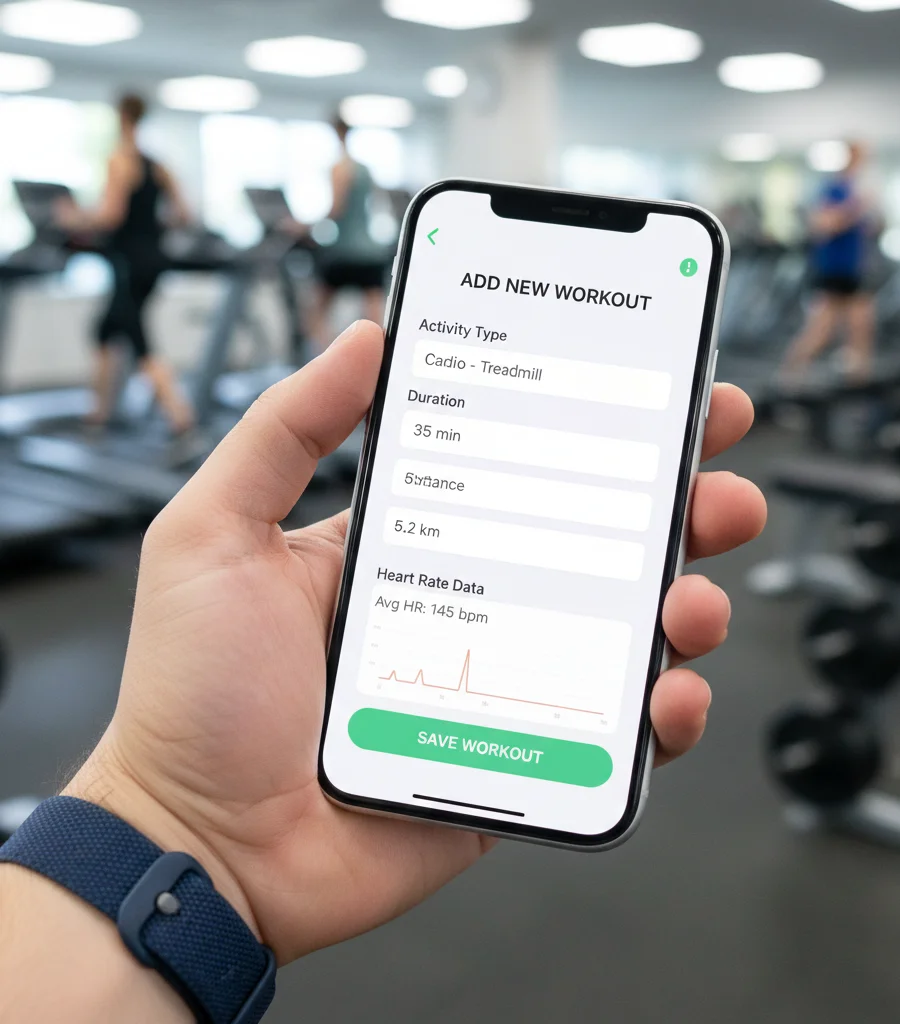
Step 6: Enter Workout Details
Manually input:
- Start time
- End time
- Estimated calories burned
Be as accurate as possible to ensure your Fitness app metrics remain realistic.
Step 7: Tap Add
Once complete, tap Add. The workout will instantly appear in Apple Health and sync to the Fitness app, updating your Activity rings.
How the Fitness App Uses Manually Added Workouts
After you add a workout to the Health app:
- The data syncs automatically to the Fitness app
- Your Move, Exercise, and Stand rings update accordingly
- The workout appears in your activity history
While this method works, it lacks detailed metrics like heart rate curves and training zones.
Avoid Manual Entry With Automatic Syncing
If you frequently forget to wear your Apple Watch or want a more accurate record, automatic syncing is the best solution.
How Automatic Workout Syncing Works
When your gym’s software integrates with Apple Health:
- Workout data is written directly to Apple Health
- The Fitness app updates automatically
- No manual data entry is required
Fit Viz and Apple Health Integration
If you attend a gym that uses Fit Viz, manual entry becomes unnecessary.
After your class:
- Your heart rate graph
- Calorie burn
- Workout duration
are automatically pushed to Apple Health via the Fit Viz app. This data instantly syncs to your Fitness app, closing your rings without you opening a single menu or remembering to start your watch.
For members, this means:
- Accurate data every session
- Consistent activity tracking
- Zero friction after workouts
Common Mistakes to Avoid
When learning how to add workout to fitness app, avoid these errors:
- Trying to add workouts inside the Fitness app
- Forgetting to enter calories burned
- Choosing the wrong activity type
- Entering incorrect start and end times
Avoiding these mistakes ensures your workout data remains useful and accurate.
Conclusion
Knowing how to add workout to fitness app manually is useful when you forget your Apple Watch or encounter tracking issues. With iOS 18, Apple has made the process straightforward - once you know to use the Health app instead of the Fitness app.
However, the best experience is automatic. Gyms using Fit Viz eliminate the need for manual logging by syncing workout data directly to Apple Health. This ensures your Fitness app stays accurate, your rings stay closed, and your workouts are always accounted for - without extra effort.