Gym Check-In Systems: Complete Software Guide
Learn how gym check-in systems work, compare barcode scanners, kiosks, and geo-fencing, and see how modern gym software systems like Fit Viz enable frictionless check-in with Bluetooth detection and real-time welcome screens.
Gym Software Systems: Hardware and Software Guide
The front desk is the bottleneck in most fitness facilities. When check-in is slow, everything downstream suffers: classes start late, staff get stuck troubleshooting, members feel friction before they even work out, and the facility looks less professional than it actually is. That's why modern gym software systems are judged not just by scheduling and billing, but by how well they handle check-in systems at peak traffic.
This guide breaks down the main check-in hardware options, what software capabilities matter most, and why Fit Viz is positioned as a next-generation solution for gyms that want fast, low-friction check-in without relying on cards, scanners, or constant staff intervention.
Why check-in systems matter more than most gym owners realize
A gym check-in is a small action that happens thousands of times per month. Even a 10-second delay becomes:
- long lines during the 5–7pm rush
- a stressed front desk team
- members arriving late and missing warm-ups
- negative first impressions for new members
- inconsistent attendance records
The best check-in systems reduce time and confusion to near zero. The best gym software systems treat check-in as part of the member experience, not a separate admin chore.
What a modern gym check-in system must do
Whether your facility is class-based, open-gym, or hybrid, your check-in system should:
- verify access instantly (membership, pass, reservation status)
- support walk-ins and drop-ins without chaos
- reduce staff workload during peak hours
- keep attendance data accurate
- integrate with class rosters and instructor workflows
- prevent “membership sharing” without creating friction
In other words, a check-in system is only as good as the software behind it.
Hardware options for gym check-in systems
1) Barcode scanners (reliable but old school)
Barcode or QR scanners are common because they’re simple and relatively low-cost.
Pros
- fast and reliable when everything works
- familiar to staff and members
- easy to deploy
Cons
- requires members to pull out a phone or card every time
- breaks the “walk in and go” flow
- hardware adds clutter and maintenance
- still creates micro-lines during peak traffic
Barcode scanners work, but they feel transactional rather than seamless.
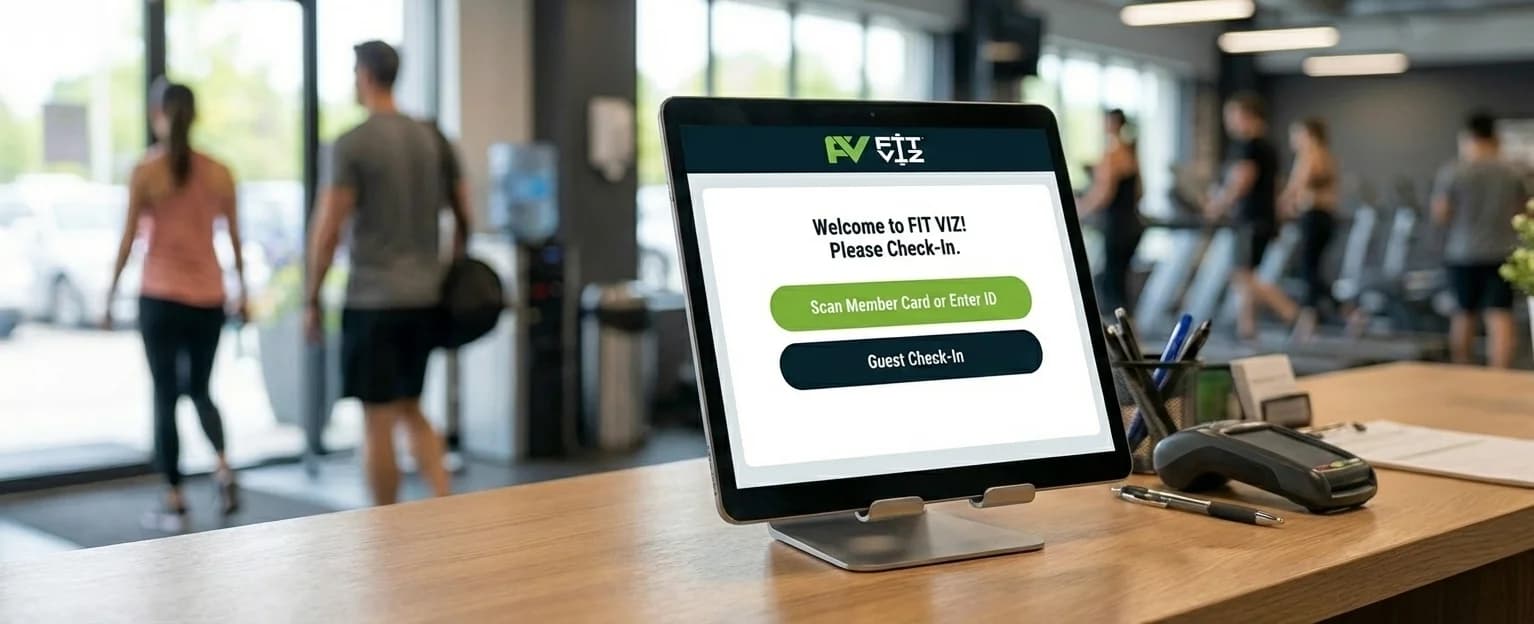
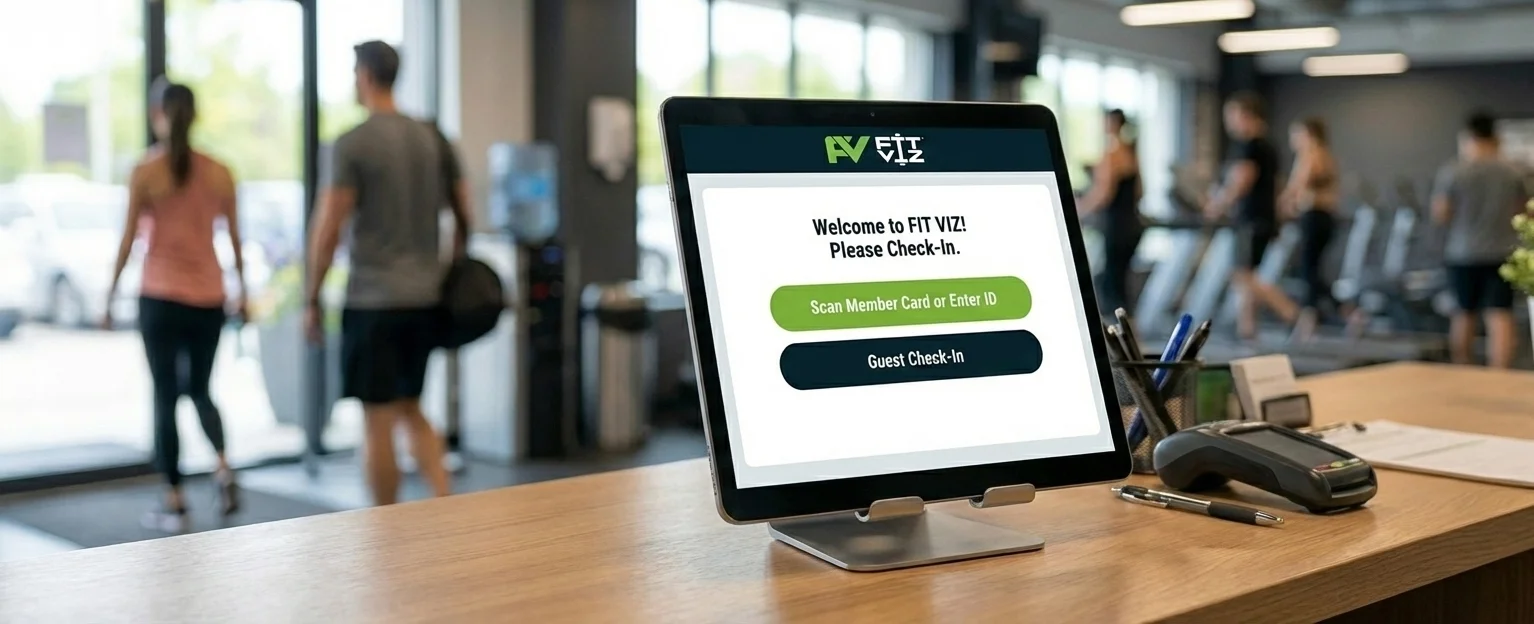
2) Self-service kiosks (effective but expensive)
Kiosks reduce staffing needs by letting members check themselves in.
Pros
- good for high-volume facilities
- reduces front desk workload
- can collect waivers, payments, and info
Cons
- expensive hardware and setup
- requires floor space in the lobby
- can become a new bottleneck if the UI is slow
- still requires intentional member interaction
Kiosks can be a good fit for large gyms, but they rarely feel “premium” unless executed perfectly.
3) Geo-fencing (the direction the industry is moving)
Geo-fencing uses a member’s phone location to detect when they arrive near the facility.
Pros
- no card tap or scanner required
- can automate check-in triggers
- creates a frictionless arrival experience
Cons
- requires members to allow location permissions
- accuracy depends on device settings and environment
- works best when paired with other signals for confirmation
Geo-fencing is powerful because it makes check-in passive. The member doesn’t have to “do” anything.
Software requirements: what gym software systems should include for check-in
Hardware is only the visible layer. The real value comes from how your gym software systems handle check-in logic.
1) Real-time membership and access validation
A check-in system should instantly confirm:
- active membership status
- valid credits or pack usage
- reservation status for capped classes
- restrictions (late payment, expired membership, missing waiver)
If this validation requires multiple screens and manual checks, lines form.
2) Roster-first workflows for class-based gyms
For group training facilities, check-in should align with how coaches run class.
Great check-in systems:
- show a real-time class roster
- support quick check-ins from staff or coaches
- highlight first-timers or special notes
- track attendance automatically for reporting and payroll
If your check-in is disconnected from the class roster, staff ends up reconciling attendance manually.
3) Automation that reduces front desk tasks
The best gym software systems reduce manual admin through:
- auto-confirmations and reminders
- automated waitlist promotion and check-in updates
- rule enforcement (late cancel/no-show)
- notifications when a VIP or first-timer arrives
Automation turns check-in from a constant staff task into a background process.
The Fit Viz check-in system: frictionless by design
Fit Viz is positioned as a modern alternative because it reduces the biggest failure point in check-in systems: requiring members to stop and perform a transaction.
How Fit Viz check-in works
Using geo-fencing and Bluetooth, Fit Viz can detect a member as they enter the facility. When the system recognizes their arrival:
- their profile photo can appear on the coach dashboard
- their presence can show up on the gym’s welcome screen
- staff and coaches know they’re in the building without scanning cards
Instead of “scan, wait, confirm,” the experience becomes:
- walk in
- be recognized
- join the workout
This turns check-in into part of hospitality rather than administration.
Why this matters for gyms and fitness facilities
A frictionless Fit Viz arrival experience improves:
- peak-hour flow (fewer lines, fewer interruptions)
- class start times (coaches see who’s present immediately)
- the member experience (people feel recognized and expected)
- data quality (attendance records become more consistent)
It also reduces dependence on hardware that gets lost, breaks, or slows down the desk.
Choosing the right check-in system for your facility
Use this quick filter:
Choose barcode scanning if:
- you need a low-cost upgrade from manual check-in
- your traffic volume is manageable
- you don’t mind a transactional process
Choose kiosks if:
- you have very high daily check-ins
- you want self-service and can invest in hardware
- you have space and staff support for maintenance
Choose Fit Viz if:
- you want passive, frictionless check-in
- you run classes and need roster-first workflows
- you want check-in integrated into the coach dashboard and facility experience
- you want your gym software system to feel modern and premium
Conclusion
Modern gym software systems are judged by the member flow they create. If check-in is slow, the gym feels disorganized - no matter how good the coaching is. The best check-in systems reduce friction, improve accuracy, and make arrivals feel effortless.
Fit Viz is built to modernize check-in by using geo-fencing and Bluetooth to recognize members as they walk in - no cards, no scanners, and no front desk bottleneck. For gyms and fitness facilities that want speed, hospitality, and better data, Fit Viz offers a next-generation approach.