Best Bootcamp Software: 8 Platforms Compared for Gyms and Trainers
The best bootcamp software for 2026: 8 platforms compared on booking, challenge packs, station displays, and outdoor use, including the only free floor-layer option.
Bootcamp has the strangest software requirements in group fitness: pricing built on 6-week challenges rather than plain memberships, classes that run on stations and interval clocks rather than a playlist, and venues that are as often a park as a gym floor.
Most "best bootcamp software" lists compare generic booking features and ignore all three. This one scores 8 platforms on the tests that decide whether the tool survives contact with an actual session - the shortlist filter for anyone comparing the best fitness bootcamp software for a gym or a park operation.
Fit Viz is our platform - bias disclosed. The other seven are described as fairly as we can manage; verify pricing directly.
The five tests
- The challenge test - can it sell a fixed-start 6-week program with a roster, expiry, and autopay, not just a membership?
- The booking test - recurring schedules, waitlist promotion, drop-ins; the bootcamp scheduling software basics done without friction.
- The floor test - what runs the session? Station displays, synced interval timers, rotation cues - or the coach's stopwatch?
- The outdoor test - does anything work in a park with no TV and no desk?
- The price test - free, flat, or climbing with add-ons?
The 8 platforms
1. Fit Viz - best for the session itself (and the only free tier)
Fit Viz fitness bootcamp software covers booking, challenge packs, payments, and check-in free (Stripe/Payroc fees only) - then runs the part nobody else touches: station displays and synced interval timers indoors, the same timer with audio cues from a phone outdoors.
Watch out: marketing-automation depth trails WellnessLiving and TeamUp. Full details →
2. Gymcatch - best low-cost booking for independent instructors
Affordable, instructor-friendly bootcamp booking software with packs and blocks; a favorite of solo operators.
Watch out: booking is the product - no floor layer, lighter business tooling.
3. TeamUp - best mature booking and memberships
Deep, reliable class booking, memberships, and on-demand options with a long group-fitness track record.
Watch out: priced per customer count; the session floor isn't covered.
4. Wodify - best inside a bigger gym platform
Bootcamp/HIIT as a solutions vertical on a full gym system: billing, retention AI, programming.
Watch out: displays are a paid add-on, text only, and pricing climbs with modules.
5. Kilo - best websites + management together
Boot camp gym software paired with high-converting gym websites and lead capture.
Watch out: the floor layer and challenge mechanics are not the focus.
6. PushPress - best clean operations for hybrid gyms
Simple, solid booking and billing where bootcamp runs beside other formats.
Watch out: no station/timer layer; tracking leans on SugarWOD.
7. WellnessLiving - best marketing suite around bootcamp classes
Reviews, referrals, email/SMS automation, and booking in one platform.
Watch out: suite pricing and complexity; nothing runs the session.
8. Shredeo - best bare-bones packs and payments
A focused small-vendor tool for bootcamp classes, packs, and payments.
Watch out: early-stage depth and polish; booking-and-billing only.
Quick comparison
The quick read on the best bootcamp software field:
| Platform | Challenge packs | Booking & waitlists | Station displays + timers | Outdoor mode | Free tier | Starting price |
|---|---|---|---|---|---|---|
| Fit Viz | Fixed-start native | Native | Phone/tablet | Free | ||
| Gymcatch | ~£10-30/mo | |||||
| TeamUp | Deep | ~$99+/mo | ||||
| Wodify | Add-on | ~$150/mo | ||||
| Kilo | ~$125/mo | |||||
| PushPress | ~$159/mo | |||||
| WellnessLiving | ~$99+/mo | |||||
| Shredeo | Low |
- Launching a challenge? Get the 6-Week Challenge Launch Kit — pricing sheet, weekly schedule grid, and the 5-email promo sequence that fills the roster.
Launch Your Next 6-Week Challenge Without Starting From Scratch
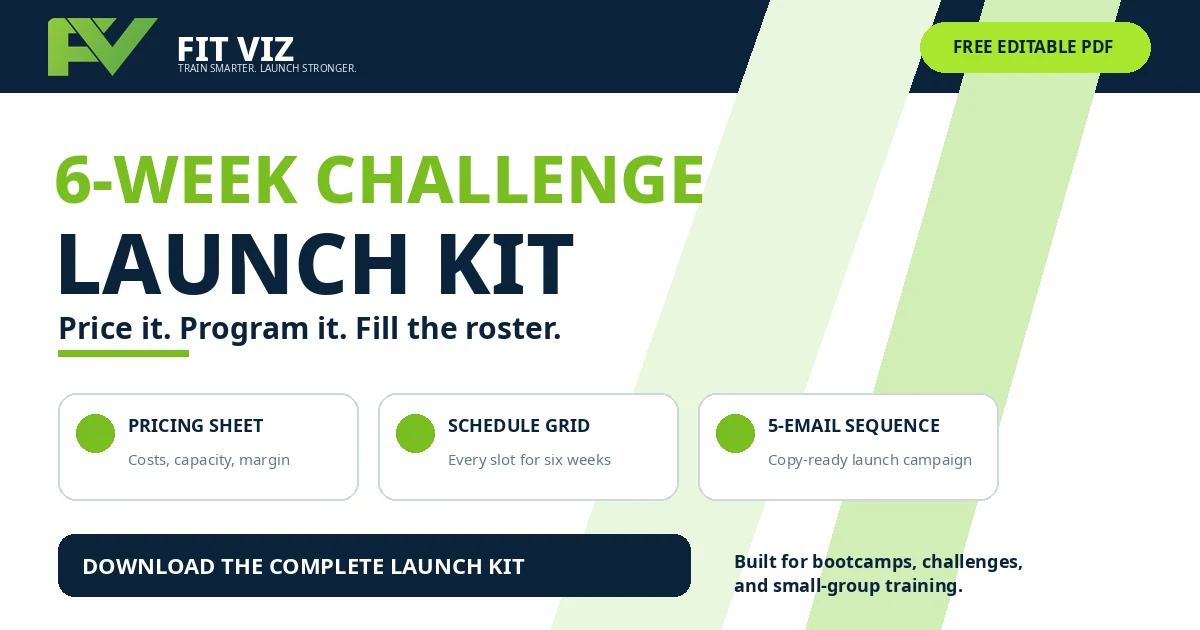
Pricing the offer, organizing six weeks of classes, and writing the launch campaign should not take longer than building the challenge itself.
Download the free 6-Week Challenge Launch Kit from Fit Viz and get the complete planning system in one editable PDF.
Use the pricing worksheet to protect your margin, map every coaching slot in the six-week schedule grid, and customize the five-email campaign designed to help fill the roster.
Inside the free launch kit:
- Challenge pricing and break-even worksheet
- Member, non-member, and early-bird pricing fields
- Editable six-week class schedule
- Baseline, midpoint, retest, and celebration milestones
- Four-week marketing runway
- Roster and waitlist scoreboard
- Five copy-ready promotional emails
- SMS, social, and direct-message adaptations
- Pre-launch operational checklist
- Fillable planning fields throughout
6-Week Challenge Launch Kit
Get the printable templates sent straight to your inbox - no account required.
How to choose by operation
- Solo instructor, park sessions: the outdoor test eliminates almost everything - Fit Viz (free, phone-based floor) or Gymcatch (cheapest booking, bring your own stopwatch).
- Indoor bootcamp studio: the floor test decides - Fit Viz for stations and timers on screens; TeamUp if booking depth matters more than the session.
- Bootcamp inside a bigger gym: Wodify or PushPress if you're already there; Fit Viz if the bootcamp floor is the priority.
- Marketing-led growth: WellnessLiving's suite, eyes open on cost.
- Website-first: Kilo.
Whichever you run, the best bootcamp software is the one that still works at 6:00am in a parking lot - and the best bootcamp scheduling software is the one that fills the waitlist while you coach. Test the floor and the outdoor flow in every demo, not just the booking screen.
FAQ
What is the best bootcamp software?
The best fitness bootcamp software for the session floor - stations, synced timers, outdoor use - is Fit Viz, which is also the only free starting tier. For booking-only on a budget, Gymcatch; for booking depth, TeamUp; inside a full gym platform, Wodify. The table above scores all eight on the five tests.
What's the best free bootcamp software?
Fit Viz - class booking, challenge packs, payments (processing fees only), check-in, and core timers free with no time limit; every alternative here charges monthly.
What's the best bootcamp booking software for independent trainers?
Gymcatch and Fit Viz lead for solo instructors: Gymcatch on price-for-booking, Fit Viz on free booking plus the phone-based session layer for park classes.
Does any bootcamp software handle 6-week challenges properly?
Fixed-start programs with rosters, expiry, and autopay are native on Fit Viz, TeamUp, WellnessLiving, Wodify, and Shredeo; on booking-first tools, challenges are improvised from class blocks - ask to see one built end-to-end in the demo.
What software runs bootcamp stations and interval timers on gym screens?
Fit Viz runs station displays and synced interval timers natively; Wodify offers displays as a paid add-on; the rest leave the floor to a stopwatch. For setups from free-casting to fully synced screens, see the timed-class guide.
Can bootcamp software work outdoors?
Only if the session layer runs from a phone - Fit Viz's outdoor mode does (timer, audio cues, circuit list, check-in); booking-only platforms work anywhere but leave the session to you.
Related: