Best WOD Tracking Apps: Complete Buyer's Guide
Learn how to choose the best WOD tracking app with this buyer's guide covering score logging, PR tracking, leaderboards, movement demos, and percentage calculators - plus how Fit Viz connects your app to gym screens and timers.

WOD Tracking Apps: Complete Buyer’s Guide
A great wod tracking app does more than store scores. It helps athletes log results fast, understand progress without spreadsheets, and stay connected to the gym community. For gym owners, the right WOD tracking app also supports retention: when members can clearly see improvement, they keep showing up.
This guide breaks down what to look for in a WOD tracking app, what separates “good” from “gym-changing,” and why Fit Viz is a standout option for facilities that want to connect the athlete’s phone to the workout experience on the gym floor.
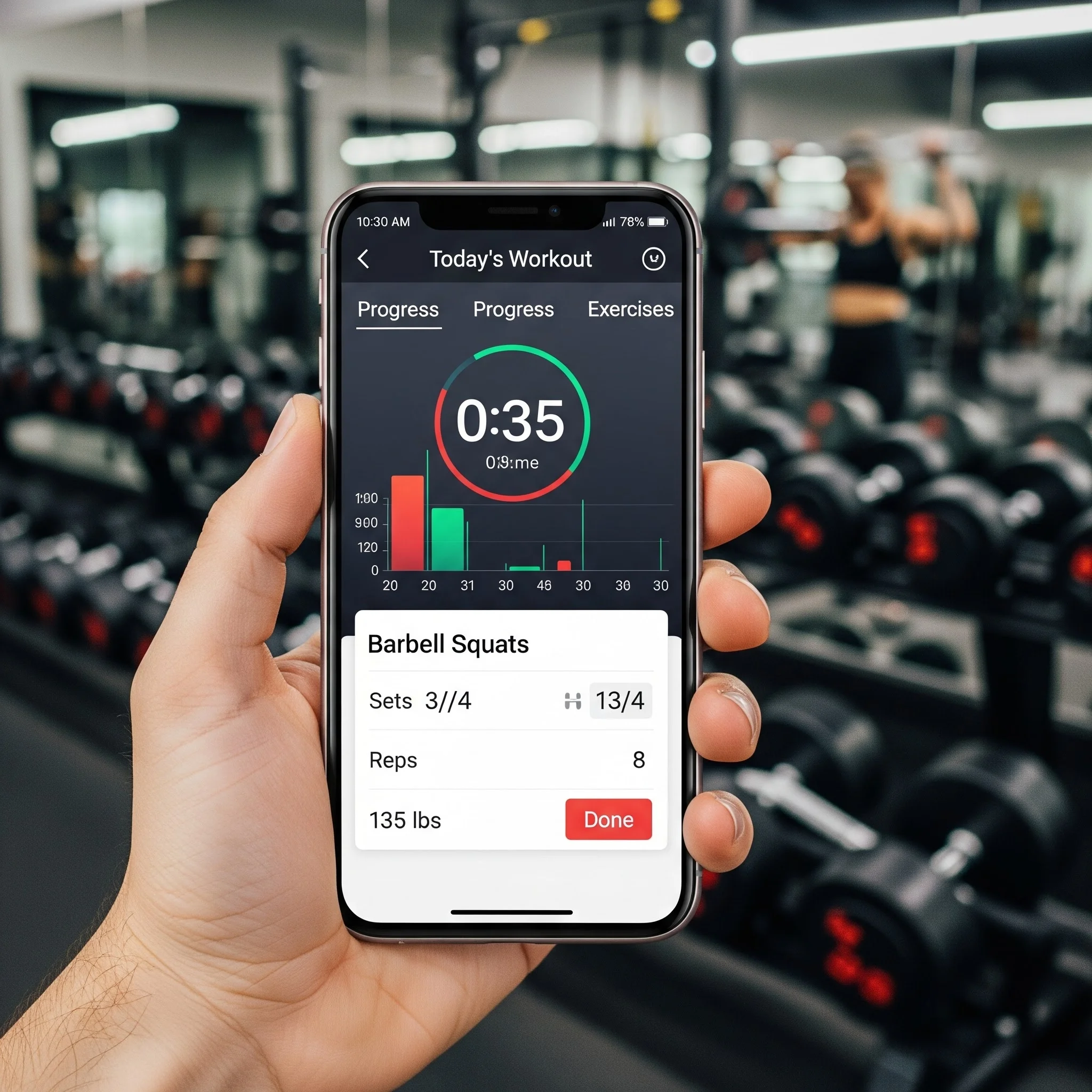
What a WOD tracking app should do well
Most apps claim to do everything. In practice, the best wod tracking app focuses on three core jobs and executes them flawlessly:
- Log scores quickly
- Surface PRs and trends automatically
- Build community and accountability
If any of these are weak, adoption drops. And if members stop logging, the app becomes shelfware.
Must-have features in a WOD tracking app
1) Fast score entry (the adoption killer)
The number one reason athletes abandon a wod tracking app is friction. Score logging should take seconds, not minutes.
Look for:
- one-tap workout selection (today’s class should be obvious)
- score types that match real WODs (time, reps, rounds, loads, intervals)
- support for team workouts and partner splits
- easy notes for scaling, injuries, or modifications
If logging a simple workout requires multiple screens and extra fields, people stop using it.
2) Automatic PR detection and history
A WOD tracking app should recognize progress without the athlete doing extra work.
Key capabilities:
- automatic PR flags for common patterns (heaviest lift, fastest time, most reps)
- benchmark tracking (Fran-style repeats, named workouts, retest cycles)
- lift history by movement (back squat, clean, snatch, deadlift)
- trend views that help coaches and athletes spot plateaus
This is where “logging” becomes “coaching support.”
3) Leaderboards that feel fair, not intimidating
Leaderboards can motivate or alienate. A high-quality wod tracking app offers filters so athletes compare against the right group.
Look for filters like:
- gender
- age brackets / masters categories
- Rx vs scaled vs beginner tracks
- location (for multi-site gyms)
- date range (today vs month vs all-time)
Leaderboards should support culture, not undermine it.
4) Movement library with video demos
WODs move fast. A built-in movement library helps newer athletes understand standards without holding up class.
Strong movement libraries include:
- short video demos (clear, repeatable, not overly produced)
- common faults and cues (optional)
- scaling/modification suggestions
- standard terminology (so coaches and athletes speak the same language)
If the app only shows text, it’s not doing enough to reduce coaching repetition.
5) Percentage calculators and 1RM tools
Percent-based lifting is a common programming style. The best wod tracking app makes this automatic.
Look for:
- 1RM profiles by lift
- auto-calculated training loads (e.g., 70% of back squat)
- rounding rules (to the nearest 2.5 / 5 lb or 1 / 2.5 kg)
- tracking for rep-maxes, not just true 1RM
This feature directly reduces errors and speeds up training.
6) Gym-specific programming and workout structure
Generic workout apps often don't match how classes are actually delivered. For gyms, a WOD tracking app should support your programming structure:
- warm-up / strength / metcon / accessory blocks
- station-based workouts
- intervals and transitions
- time caps and rest periods
- multiple tracks (beginner, intermediate, competitor)
For a comprehensive look at how timer systems integrate with WOD tracking, explore our workout timer guide covering EMOM, AMRAP, Tabata, and custom intervals.
When the app mirrors class reality, members log more consistently.
The Fit Viz difference: an “active” WOD tracking app
Most WOD apps are passive input tools. They wait for an athlete to open the app, find the workout, and type results after the fact.
The Fit Viz wod tracking app is different because it’s designed to connect to the facility experience.
What “active” means in practice
With Fit Viz, the app syncs to the gym environment so athletes spend less time checking their phones and more time training. Instead of the workout living only in someone’s pocket, Fit Viz brings it to the room:
- the WOD is displayed on large gym screens
- timers and transitions run as part of the class experience
- movement demos appear next to the workout flow
- athletes stay oriented because the room shows “where we are” in the workout
That makes the app feel like part of the workout, not homework afterward.
Why this matters for fitness facilities
For gym owners, the best WOD tracking app is the one members actually use. Fit Viz improves adoption because it reduces friction at two levels:
1) Better class execution
When the workout, timer, and demos are visible in the room, classes run smoother:
- fewer “what’s next?” questions
- fewer missed transitions
- less time spent re-explaining
- more time coaching form and intensity
2) Better tracking compliance
When athletes clearly understand the workout structure, they log scores more accurately. And when the system is integrated with the gym experience, members are more likely to keep tracking over time.
In other words: Fit Viz doesn’t just store results. It improves the class product that produces those results.
Quick checklist: choosing the right WOD tracking app
Before committing, use this checklist:
- Can athletes log a score in under 15 seconds?
- Does it automatically identify PRs and benchmarks?
- Do leaderboards support fair comparisons (Rx/scaled/age)?
- Is there a movement library with video demos?
- Does it auto-calculate percentages from 1RMs?
- Does it match your gym's workout structure and class flow?
- Does it enhance the in-gym experience, not just post-workout logging?
If you want the strongest facility-wide impact, prioritize systems that connect the workout experience to the tracking experience - this is where Fit Viz stands apart. For a complete overview of how tracking fits into your entire CrossFit software stack, see our CrossFit software guide.